
Sell webinars online with payments, registration, and seat limits
Create a page for your webinar, take payments or free registrations, set the date and seat limit, and share the details attendees need to join.
- Set the date, time, and number of available places
- Use your preferred video meeting or streaming service
- Add event and replay details for registered attendees
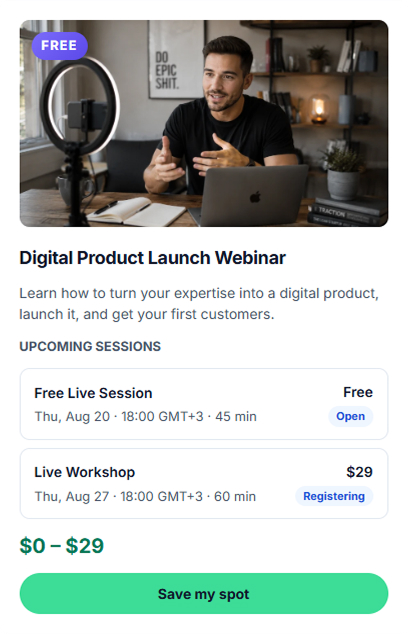
Sell live webinars, workshops, and online events
Use CreatorStore for paid or free live events while hosting the video with the meeting or streaming service you already use.
Live workshops
Create a paid or free workshop, set its schedule and available places, and give registered attendees the information they need to join.
Masterclasses
Sell a focused live session around a specific topic and add the event details, price, and participant limit.
Multi-session cohorts
For programs with several sessions, use Session Packs to sell the sessions together and manage the program as one offer.
Live Q&A / AMA
Run a paid Q&A or AMA and limit the number of places when you want a smaller live session.
Product launch events
Use a live event as part of a product launch and direct registered attendees to the relevant offer before or after the session.
Corporate workshops
Sell a private workshop as a custom service with its own scope, price, and order details.
Example stores selling webinars and workshops
Explore example stores built on CreatorStore. See how experts present live sessions, programs, and attendee registration.
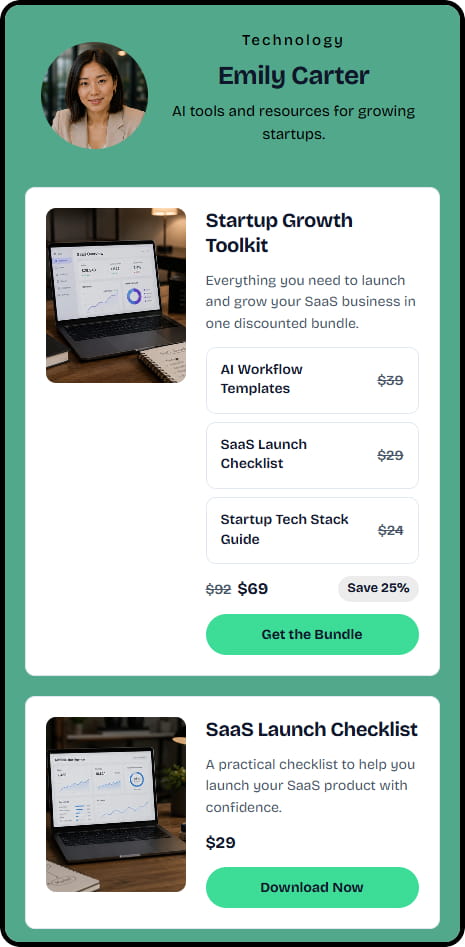
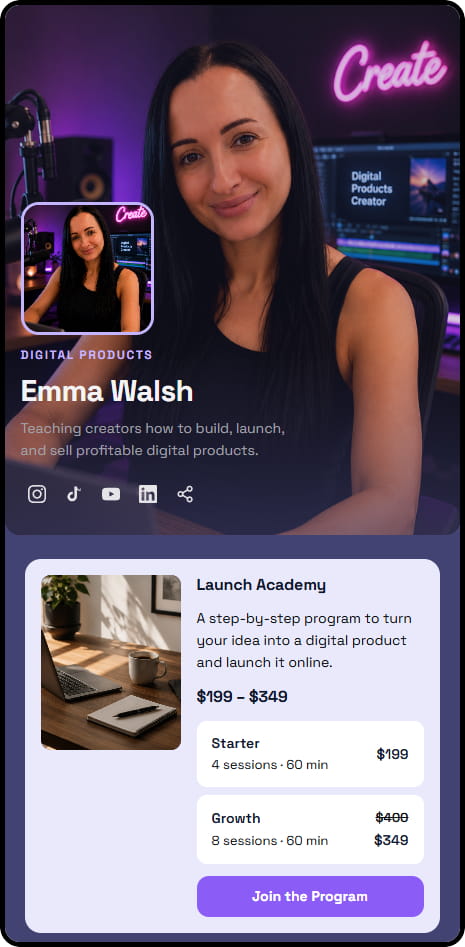

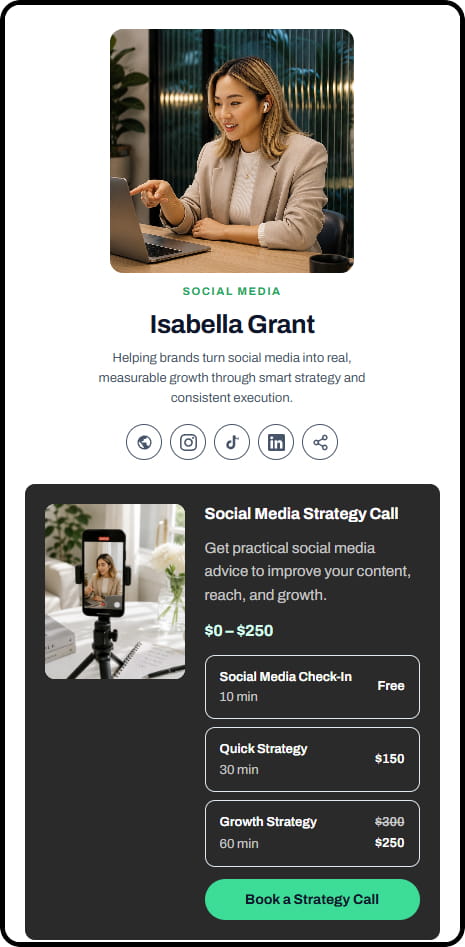
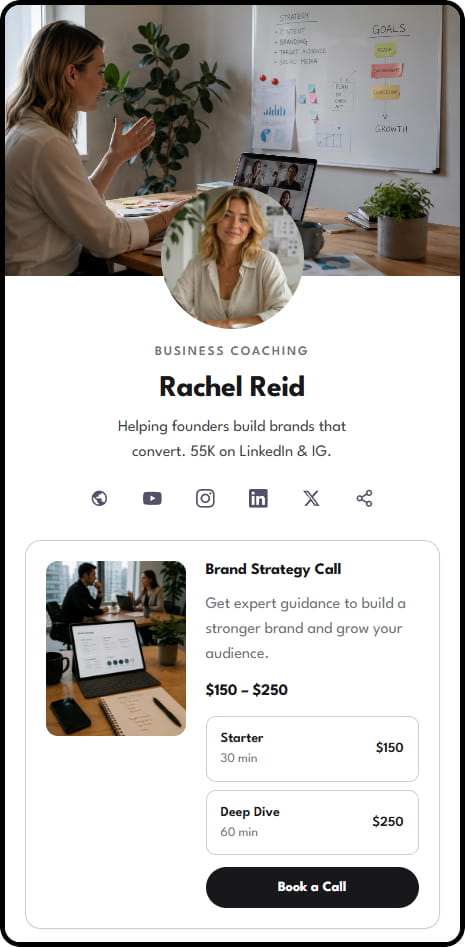
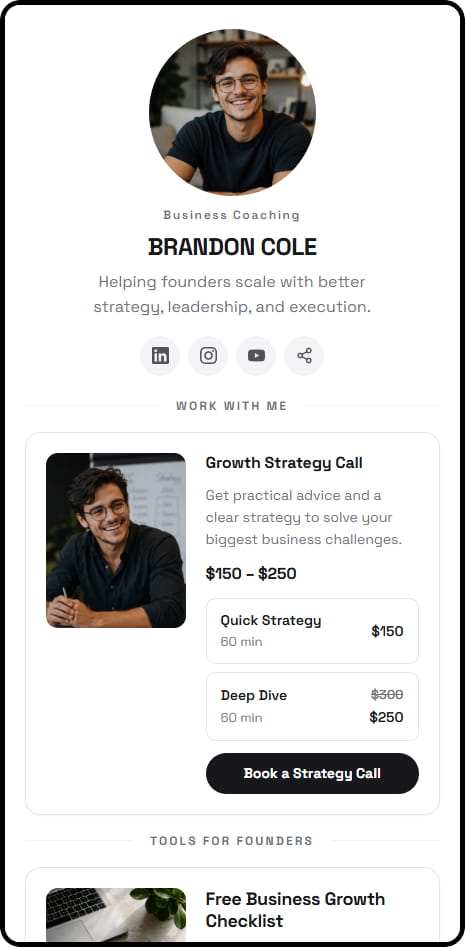
14 live example stores across coaching, consulting, education, and product niches
Manage webinar registration and attendee details
Registration details stay in your CreatorStore dashboard, so you can manage attendees and use their contact information for relevant follow-up.
Your attendee list
Keep attendee names, email addresses, and order details in your CreatorStore dashboard.
Schedule & seat limits
Set the event date and time and choose how many places are available for registration.
Replay details
When you have a recording, add the replay information so registered attendees can access it after the event.
Use your own video service
Host the session with your preferred meeting or streaming service and add its join details to the event.
Free webinar registration
You can also create a free event and collect attendee details through registration.
Export attendee data
Export customer and attendee information from CreatorStore when you need to work with it elsewhere.
Selling webinars online — frequently asked questions
Common questions about webinar registration, payments, seat limits, video tools, and attendee details.
Does CreatorStore host the webinar video?
Can I create a free webinar?
Can I cap seats?
Can I provide a replay after the webinar?
Can I sell a program with several live sessions?
Can I sell a paid Q&A or AMA?
Can I sell a corporate workshop?
Do I keep attendee contact information?
Does CreatorStore charge a commission on webinar sales?
Start selling webinars from your own store
Create the event page, set the price or free registration, add the schedule and seat limit, and share one link with your audience.
✓ 0% platform commission · ✓ Seat limits · ✓ Attendee contacts · ✓ 14-day free trial