
Sell coaching packages online
Bundle multiple coaching sessions into one package clients can purchase and use over time. Manage session credits, availability, bookings, and client details from CreatorStore.
- Create packages with multiple coaching sessions
- Track remaining session credits for each client
- Accept payments through Stripe or PayPal
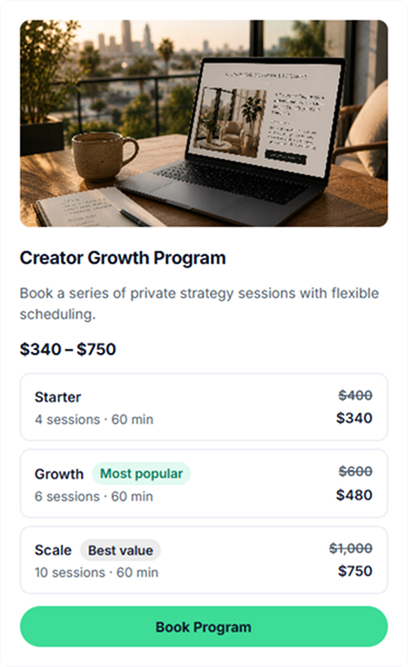
Turn repeat coaching sessions into a package clients can buy once
Use session packages when your coaching requires more than one meeting. Define the offer clearly, then let clients use their included sessions over time.
Session packages
Bundle several 1:1 coaching sessions into one offer and track how many sessions each client has remaining.
Structured coaching programs
Use a session package for a coaching program built around a defined sequence of meetings and supporting materials.
Mentorship packages
Sell ongoing mentorship as a set of sessions clients can book as they progress through the engagement.
Consulting session packages
Package recurring advisory or consulting calls when a client needs several scheduled conversations.
Packages with an expiration period
Set package terms so clients know how and when their included sessions can be used.
Coaching with digital resources
Sell coaching alongside workbooks, guides, templates, or other digital resources from the same storefront.
How clients view and book a coaching package
Clients can discover a package in your storefront, open its dedicated page, and choose an available booking option. Live example: creatorstore.co/@alex-creator.
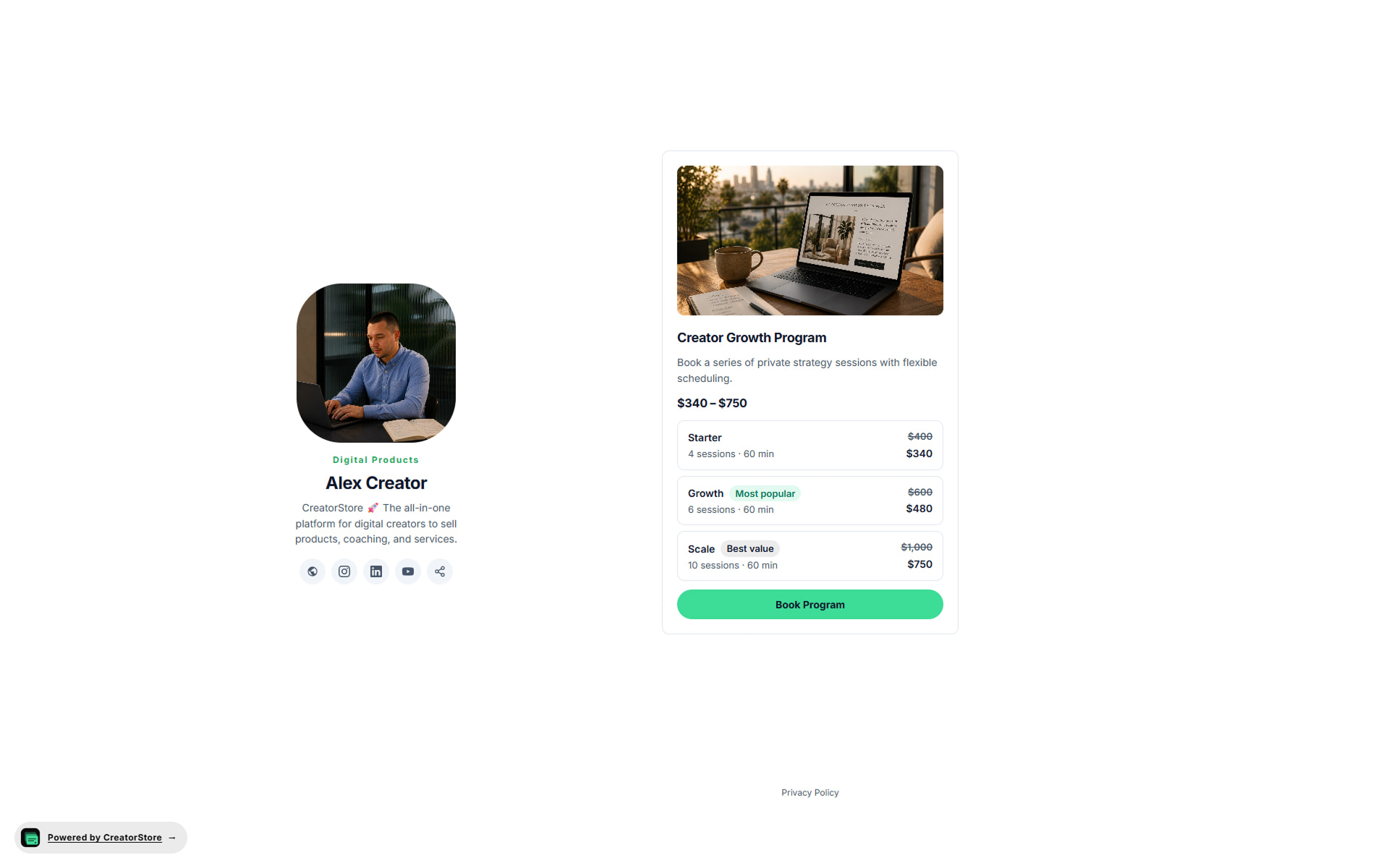
Show the package in your storefront
A coaching package can appear in your storefront with its cover, title, description, price information, and booking action. Clients can open it to review the full offer.
- Choose a card style that fits your storefront
- Present the package options available for the offer
- Keep the offer connected to your CreatorStore storefront
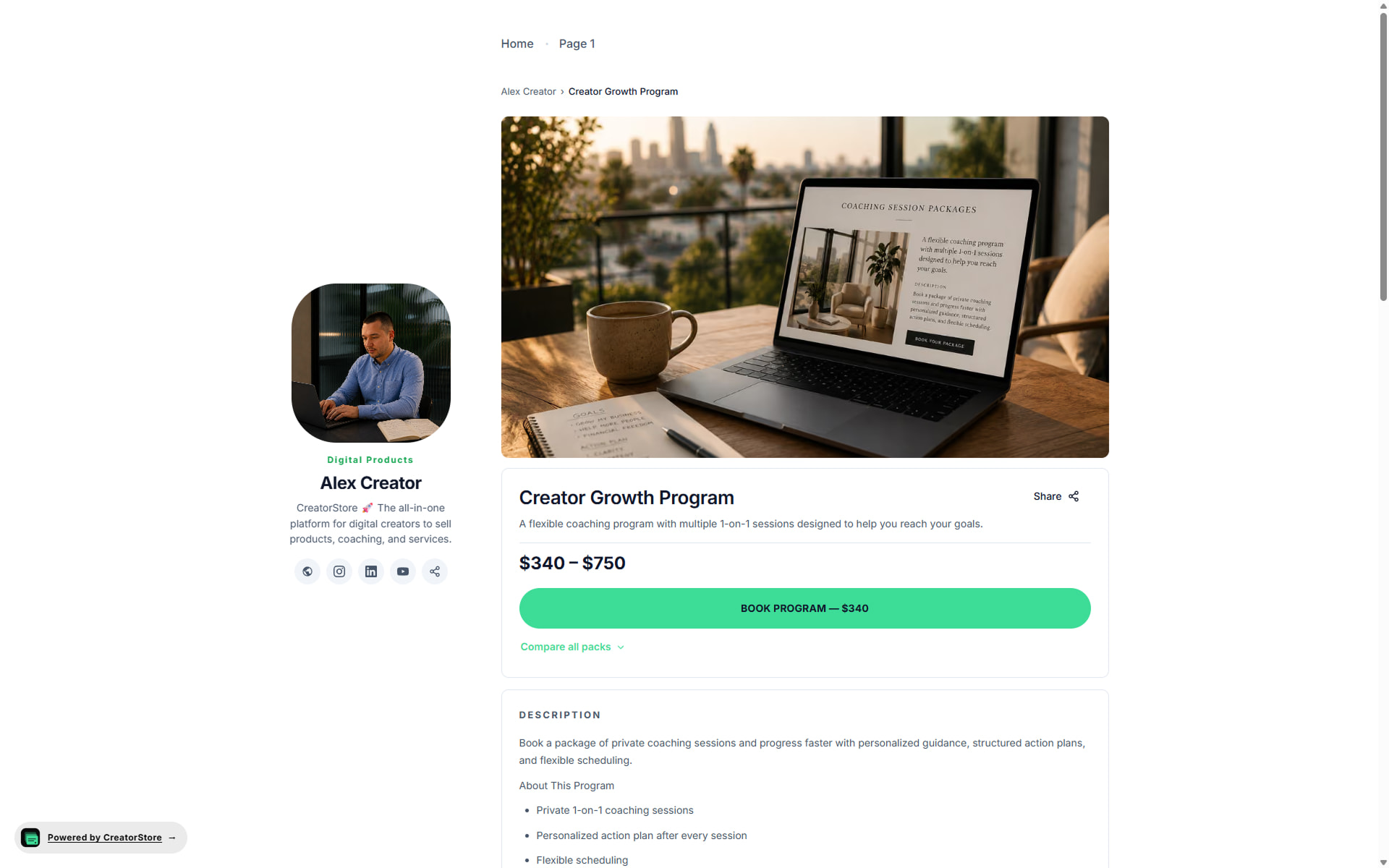
Give each coaching package its own page
Each coaching package can have its own URL and page with the details a client needs before purchasing. Product-level SEO settings let you define the page title and meta description.
- Its own URL, own meta title and description
- Set SEO metadata for the package page
- Add relevant details, media, testimonials, and FAQs
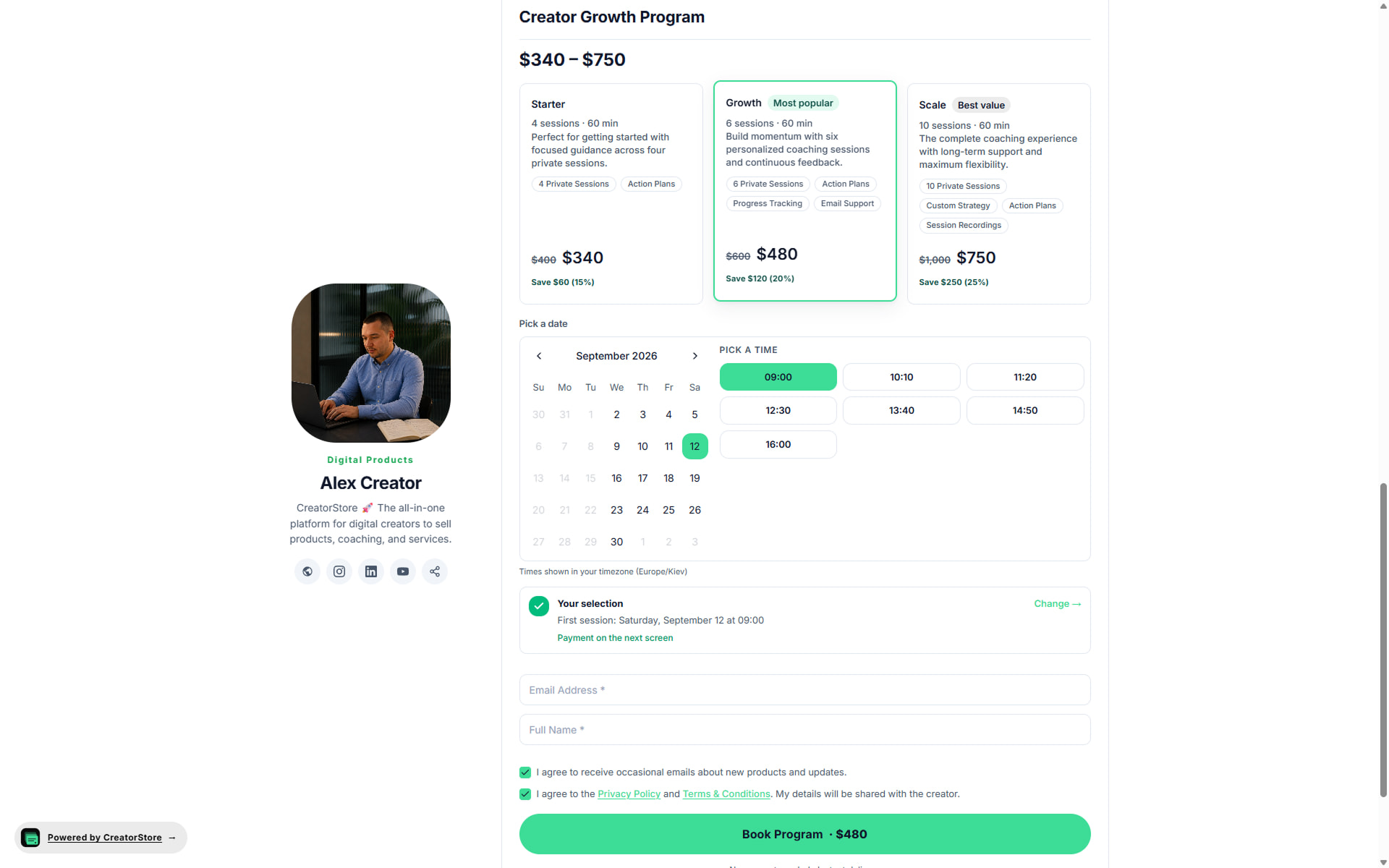
Let clients choose a package option and book a session
When an offer has multiple package options, clients can compare them and choose the one they need. They can then select an available date and time in their timezone.
- Present multiple options for the same coaching package
- Built-in calendar + time slots in the buyer's timezone
- Set pricing for each available package option
- Email, name, and consent captured before booking
Open the example store to see how coaching packages can appear
Example stores selling coaching packages
Explore example stores built on CreatorStore. See how coaches present session packs, pricing, and booking.
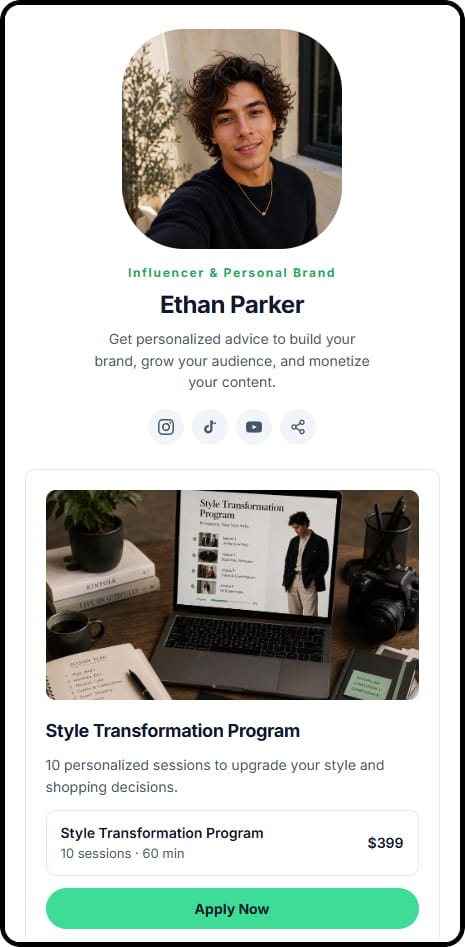
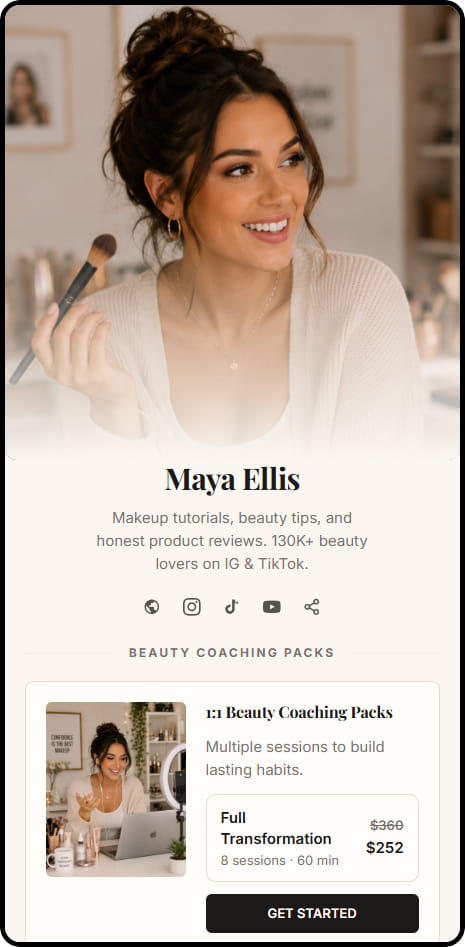
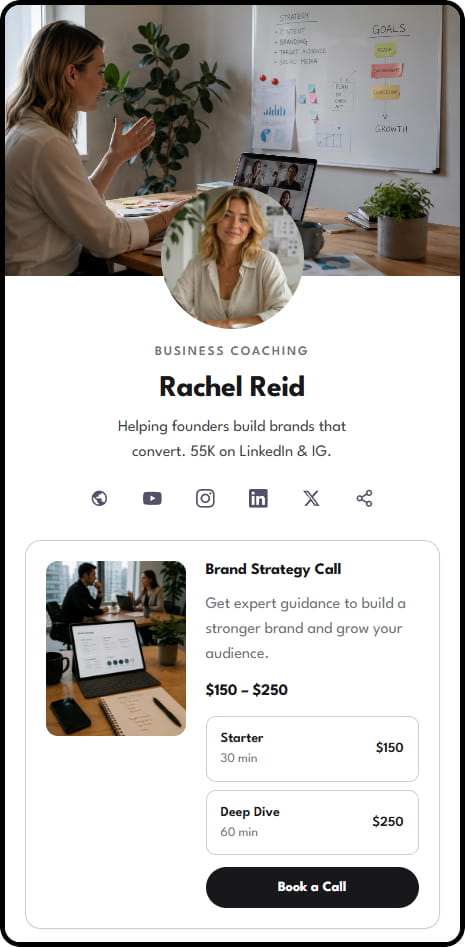
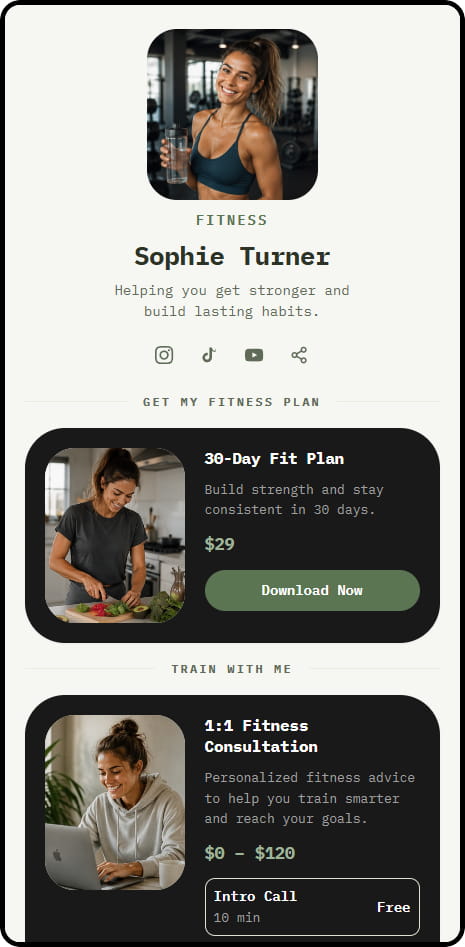
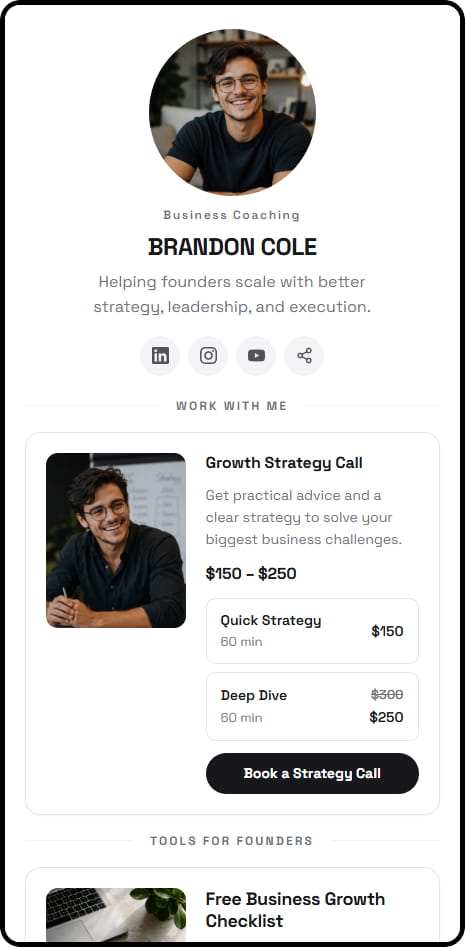
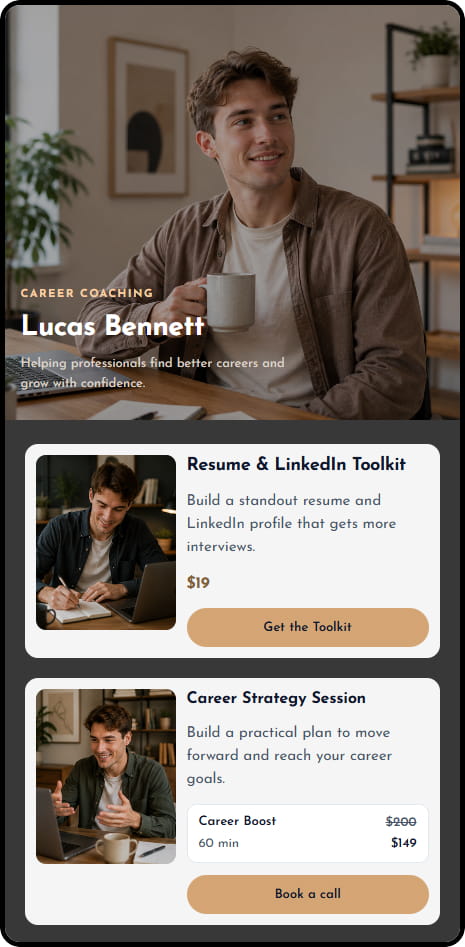
14 live example stores across coaching, consulting, education, and product niches
Manage session credits and active coaching packages
Use the package dashboard to review active packages, client session balances, expiration information, and package activity.
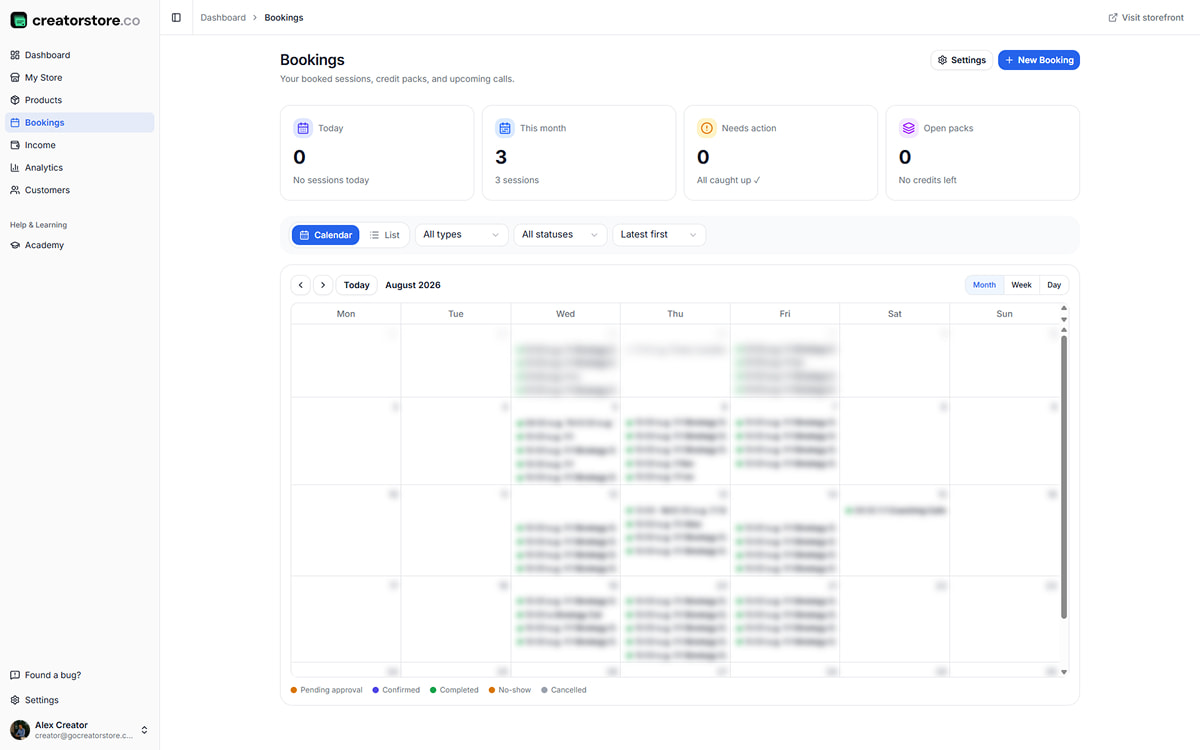
Review active packages in one place
Review active packages, session credits sold and used, and package activity from the dashboard.
- Stat cards: Active packs · Credits sold · Credits used · Revenue by tier
- Pack activity across the month
- Use available filters to review package activity
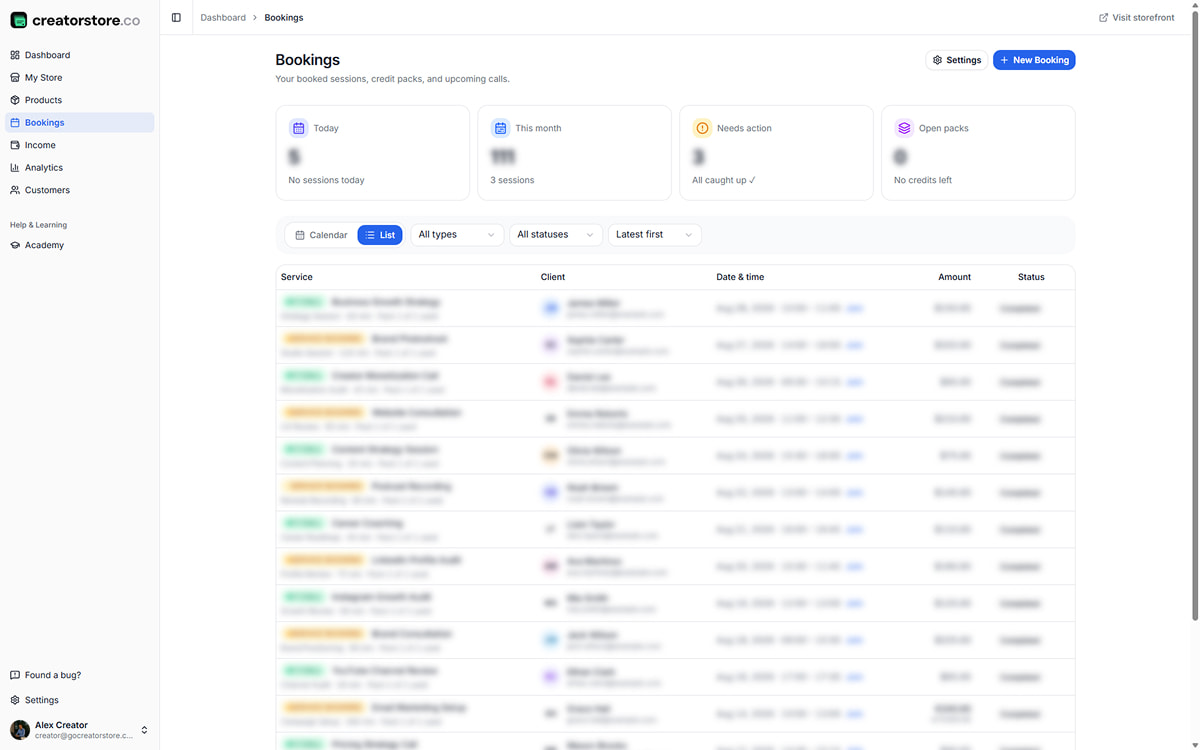
Check each client’s remaining sessions
Review each client’s package, sessions used, sessions remaining, and expiration information in one place.
- Client · tier · credits used/remaining · expiry date
- Filter by expiring soon, tier, or client
- Review remaining session credits for each client
- Export available customer data when needed
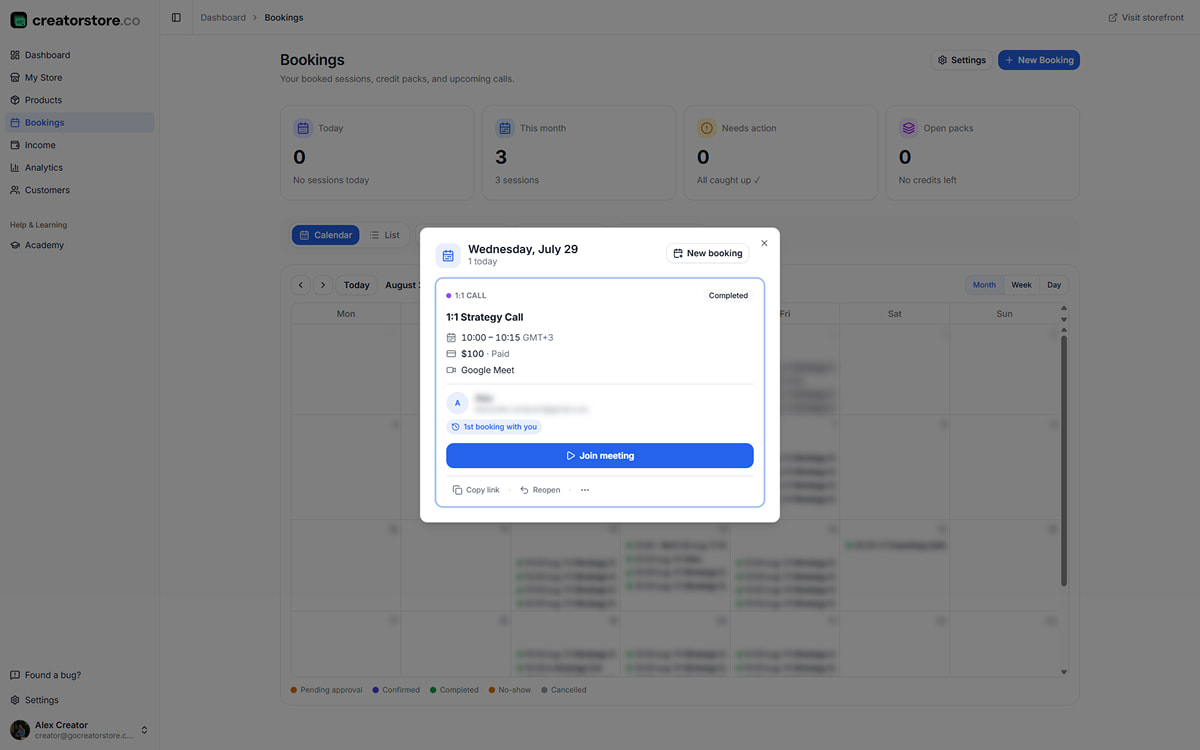
Review package expiration before sessions run out
Open a client package to review its status, sessions used and remaining, and expiration information.
- See package progress in the client record
- Review package expiration information
- Use the available package management actions
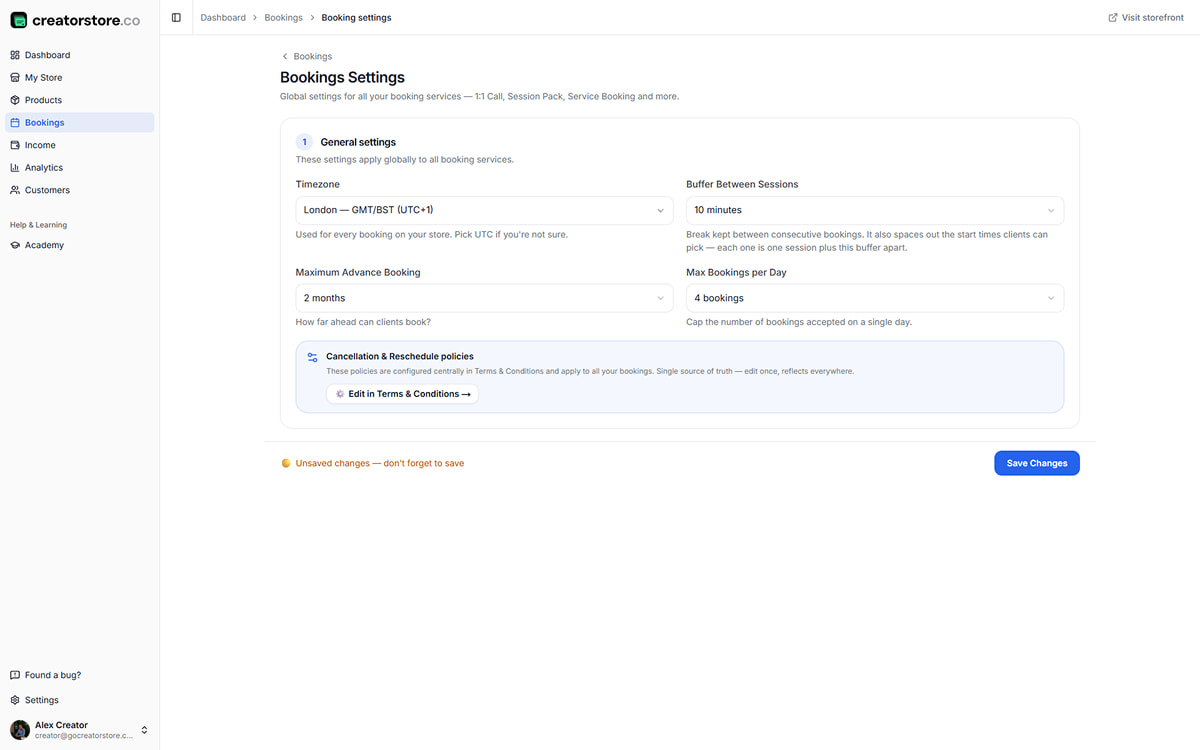
Review package performance
Review available package and revenue information to understand how different package options are performing.
- Revenue per tier · average pack value · best-selling tier
- Review performance across available date ranges
- Use the data when adjusting your package offers
Manage coaching packages from your CreatorStore dashboard
Selling coaching packages — frequently asked questions
Common questions about selling multi-session coaching packages through CreatorStore.
How do coaching session packages work?
Can clients book package sessions separately?
Can I set an expiration period for a coaching package?
Can I offer deposits or payment installments?
Can I connect Google Calendar and Google Meet?
Can I use my own domain?
What commission does CreatorStore charge on coaching packages?
Can I sell other products alongside coaching packages?
Sell coaching packages from your own store
Create a package page, accept payment, manage bookings, and keep client details in CreatorStore.
✓ 0% platform commission · ✓ Session packages · ✓ Booking management · ✓ 14-day free trial