
Create a store for your YouTube audience and sell your products and services
Share your CreatorStore in video descriptions or on your channel and give viewers one place to buy digital products, book coaching, join workshops, or purchase services.
What YouTube creators can sell through CreatorStore
Add your store link to video descriptions, your channel profile, or other places where viewers can find your offers.
Digital products
Templates, presets, sample packs, source files, guides, and other digital products. Upload a file, set a price, add a product description, and deliver the product after payment.
Courses & programs
Sell course materials as digital products, use Session Packs for programs with several sessions, and add Webinars when the program includes live meetings.
1:1 coaching & consulting
Offer 1:1 coaching or consultations for your audience. Customers can choose an available time, pay online, and join the session through your meeting link or Google Meet.
Live workshops
Sell live workshops, Q&A sessions, and online masterclasses. Set the schedule and participant limit and provide the information or replay link participants need.
Services
Sell channel audits, script reviews, thumbnail feedback, video editing, and other services. Add the scope, price, and order details for each offer.
Bundles
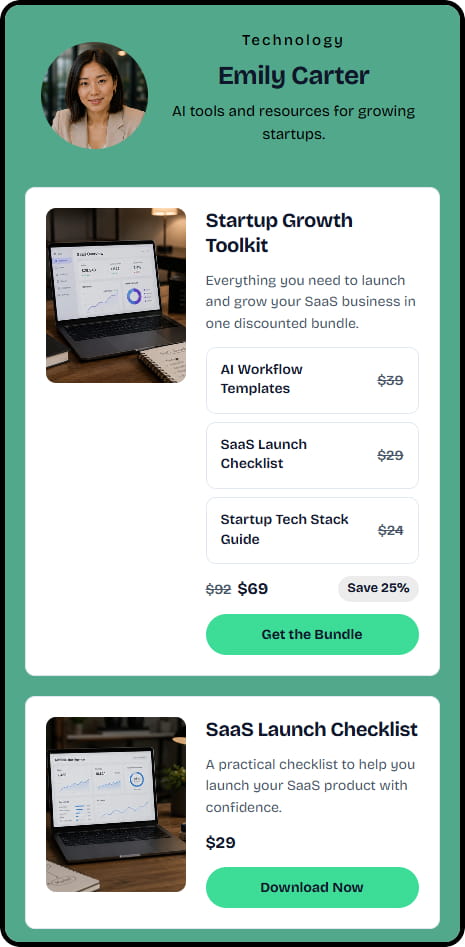
Combine several products into one bundle, such as a course, template pack, and coaching call. Set the bundle price and sell it as one offer.
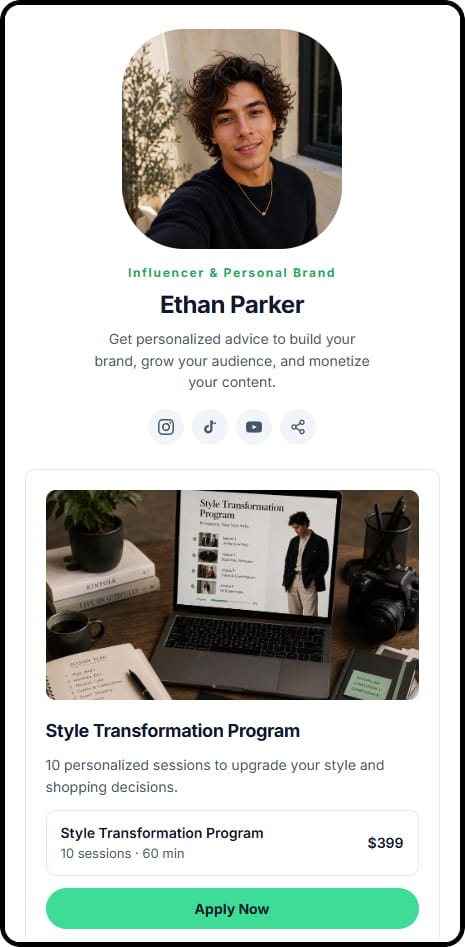
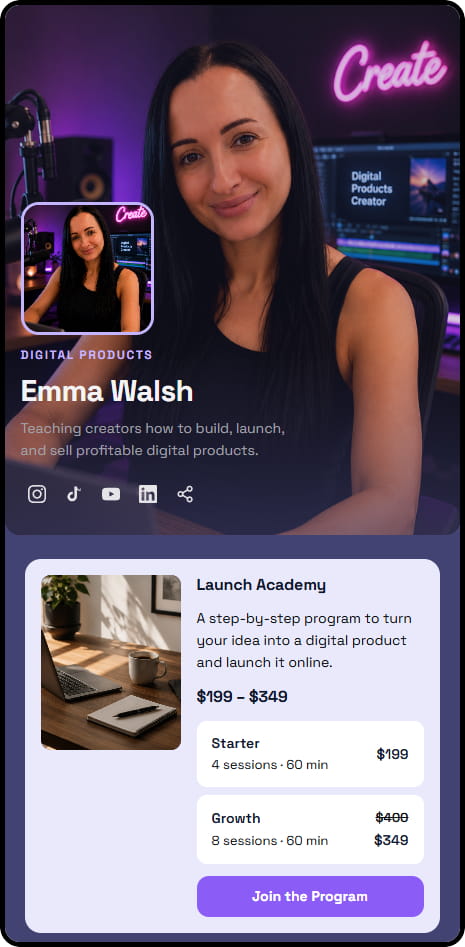
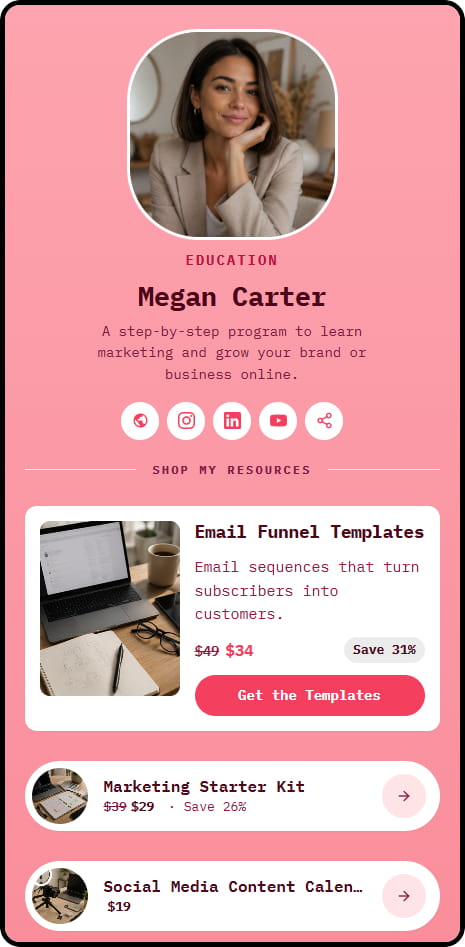
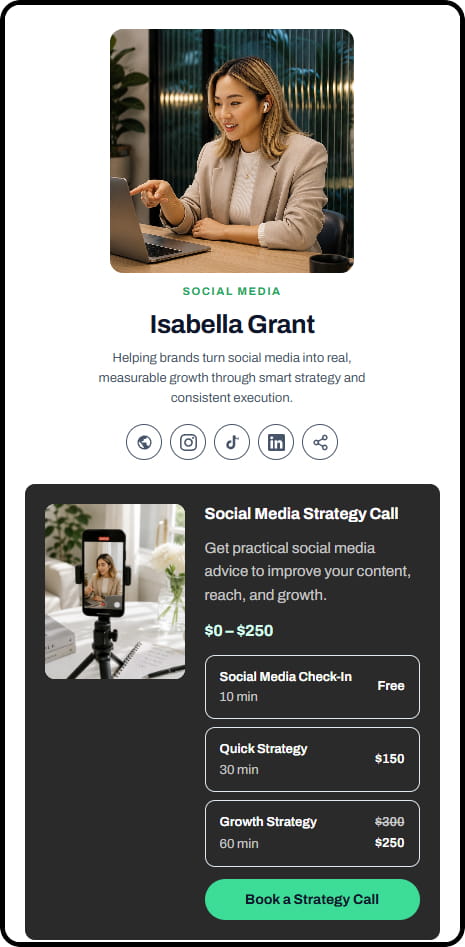
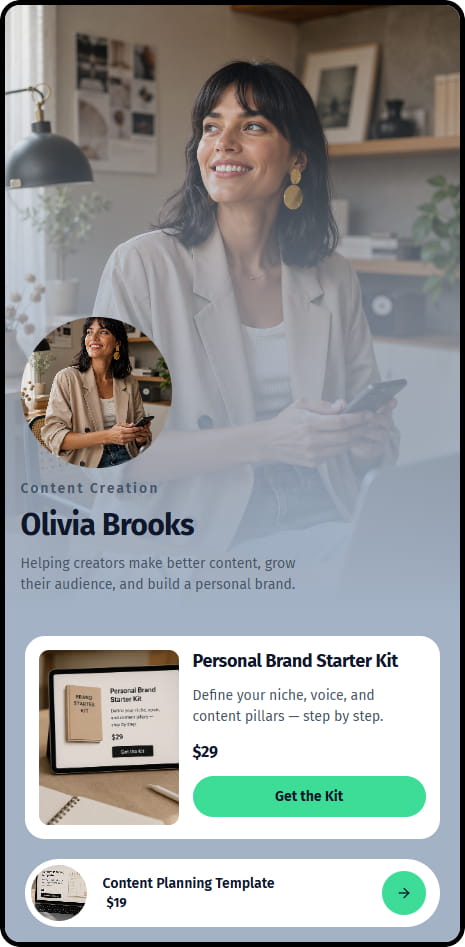
Example stores for creators
See how creators can present digital products, coaching, services, and other offers in CreatorStore.
Sell products alongside your YouTube content
Use your existing YouTube content to introduce relevant products and services, then send interested viewers to your CreatorStore to purchase or book.
Offer products related to your content
Create offers that match what your viewers already come to your channel for, such as guides, templates, coaching, workshops, or services.
Send viewers to one store
Link to one CreatorStore from relevant videos so viewers can browse your available products, services, and bookable offers.
Keep offers available from older videos
A product or service linked from an older video can remain available as long as you keep the offer published in your store.
Use your own domain and keep customer contacts
Use YouTube for content and audience growth, and CreatorStore for your offers. Connect your own domain and keep customer contacts in your CreatorStore dashboard.
Your own domain
Connect your own domain and use it as the address for your CreatorStore.
Keep customer contacts
Customer contact information is available in your CreatorStore dashboard and can be exported as CSV when needed.
YouTube creator store — frequently asked questions
Answers about using CreatorStore to sell products, coaching, workshops, and services to a YouTube audience.
Do I need a large YouTube audience to use CreatorStore?
Can I sell course materials or a multi-session program?
Can viewers book a 1:1 coaching or consulting call?
Can I sell digital products like templates, presets, or Notion setups?
Can I sell access to a live workshop?
Can I keep customer contacts from my store?
Can I use my own domain for my YouTube creator store?
Does CreatorStore charge a platform commission?
Create your store for your YouTube audience
Add your CreatorStore link to relevant videos and your channel profile so viewers can browse your products, book coaching, or purchase services and workshops.
✓ 0% platform commission · ✓ Sell beyond ads · ✓ 14 days free · ✓ No card required