
Sell Notion templates directly from your own store
Create a product page for your Notion template, add the template link for delivery, connect payments, and publish it in your own store.
- Deliver the template link after payment
- Combine related Notion templates into bundles
- Keep customer details in your dashboard
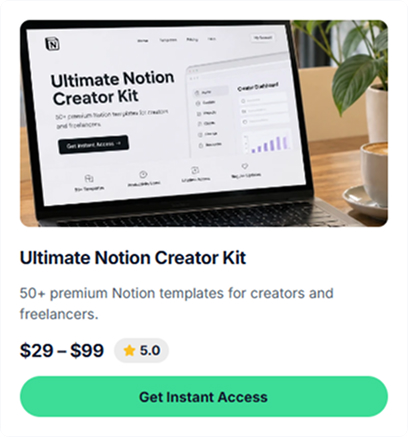
Sell different types of Notion templates from one store
Use the same storefront for productivity templates, business systems, creator resources, and other Notion products.
Life OS & Second Brain
Sell personal planning systems for goals, habits, tasks, learning, projects, or notes.
Project trackers & CRMs
Sell templates for client tracking, project management, freelancer workflows, or sales pipelines.
Business dashboards
Sell finance dashboards, KPI trackers, meeting hubs, team wikis, and other business workspaces.
Creator toolkits
Content calendars, brand kits, monetization dashboards, launch planners. Systems for other creators.
Niche systems
Create templates for a specific use case, such as planning, travel, reading, learning, or personal organization.
System bundles
Combine several related Notion templates in one bundle and set the bundle price yourself.
Example stores selling Notion templates
Explore example stores built on CreatorStore. See how workspace systems, kits, and pricing are presented.
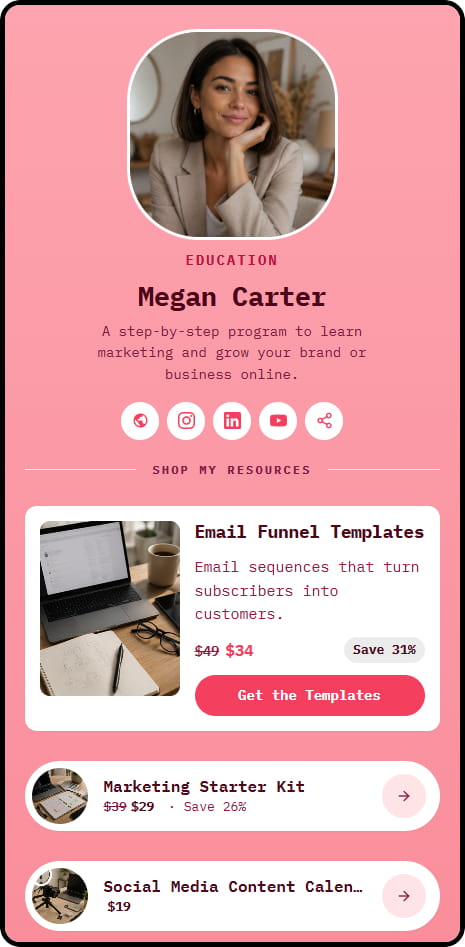
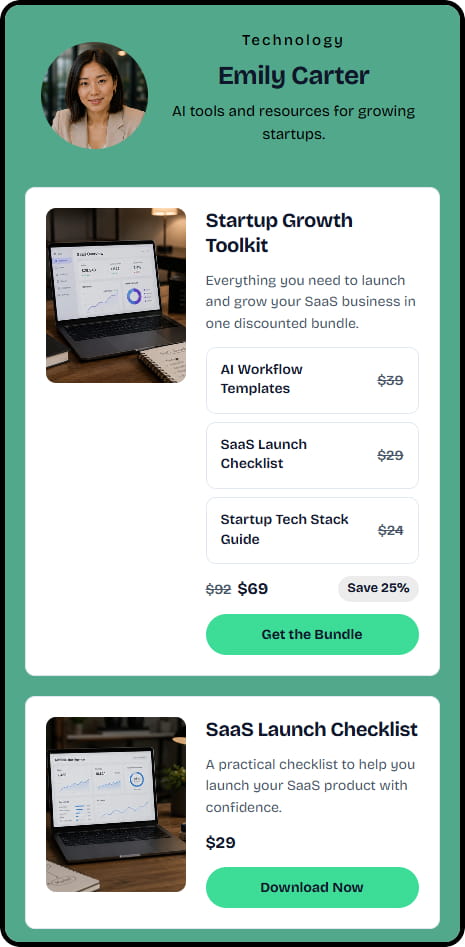
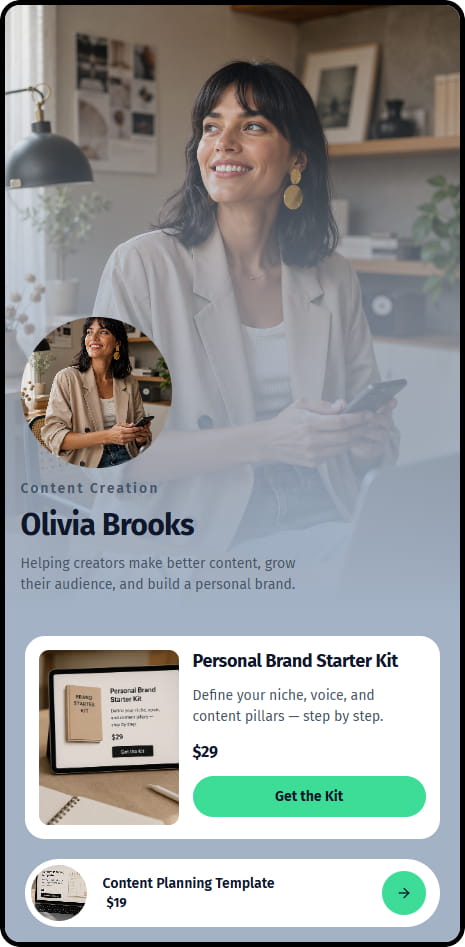
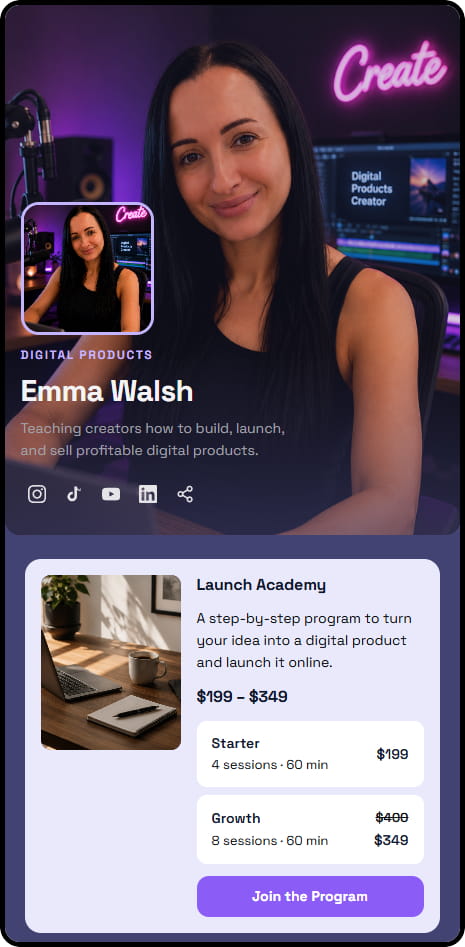

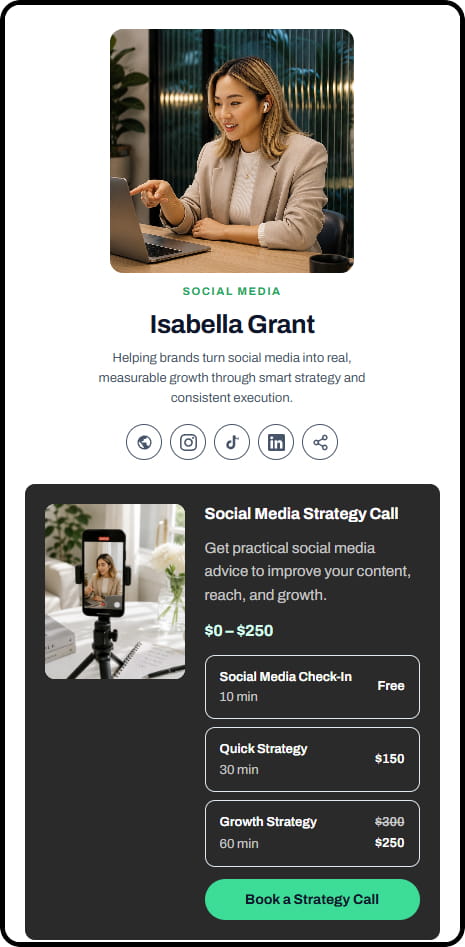
14 live example stores across coaching, consulting, education, and product niches
Keep your Notion template customers in your own dashboard
When someone buys through your CreatorStore, their customer details and purchase information stay available in your dashboard.
Your buyer list
Customer details and purchase information are available in your CreatorStore dashboard.
Bundle freedom
Package related templates together and set your own price for the bundle.
Your creator brand
Connect your own domain and send buyers to a storefront published under your brand.
Premium pricing power
Set the price for each template or bundle and update it when your offer changes.
Landing pages per launch
Create landing pages for individual campaigns and use CreatorStore Analytics to review store activity.
Portable business
Keep customer and order information in your dashboard and export customer data when you need it.
Manage your Notion template sales in one store
CreatorStore brings product pages, bundles, landing pages, customer details, and analytics into the same storefront.
- ✕A Notion template marketplace (with commission)
- ✕A file marketplace for direct sales
- ✕A landing page builder
- ✕A separate tool for email capture
- ✕Twitter Analytics for launch tracking
- ✓Store + duplicate-link delivery on your own domain
- ✓Bundle builder for multi-system packs
- ✓Landing pages per launch — no extra tool
- ✓Buyer list + Analytics in one dashboard
- ✓0% platform commission on your sales
Selling Notion templates — frequently asked questions
Common questions about delivering, bundling, and selling Notion templates through CreatorStore.
How does Notion template delivery work?
Can I bundle multiple Notion systems?
Can I still list on a Notion template marketplace too?
What if my Notion template updates?
Do I keep every buyer's email?
Can I run a limited-time promo for a Twitter thread?
Do buyers need a paid Notion account?
Can I sell to buyers outside the US?
Do I pay extra to sell Notion templates?
Start selling Notion templates from your own store
Add your template link, set the price, publish the product page, and share it with your audience.
✓ 0% commission · ✓ Duplicate-link delivery · ✓ Bundle systems · ✓ 14 days free