
Sell digital products online from your own store
Sell PDFs, templates, presets, video, audio, ZIP files, and other digital products from one store. Set your price, connect payments, and deliver files automatically after purchase. CreatorStore charges 0% platform commission.
See how digital products appear in your store
See the storefront, individual product page, and pricing options. Live example: creatorstore.co/@alex-creator.
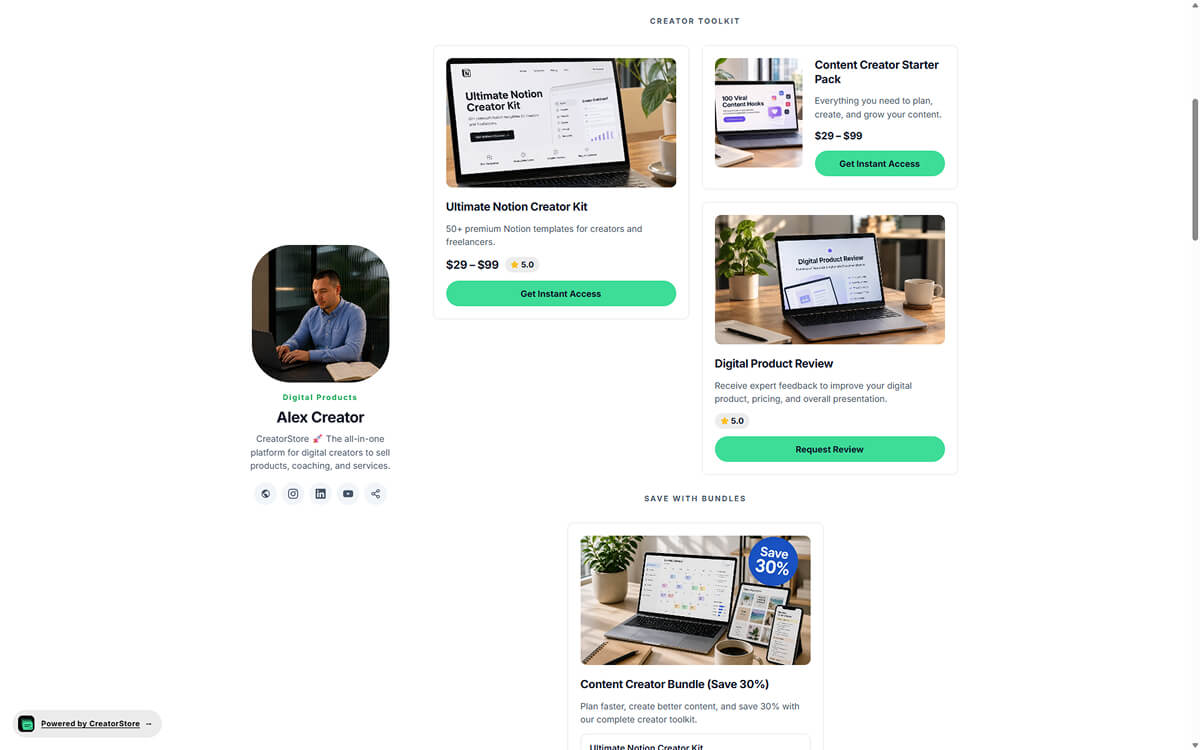
Show products alongside your creator profile
Your storefront can show your profile, links, products, and bundles on one page. Buyers can browse what you offer and open the product they want.
- Your profile and products appear together on the storefront
- Multiple products can be displayed in one store
- Related products can be combined into bundles
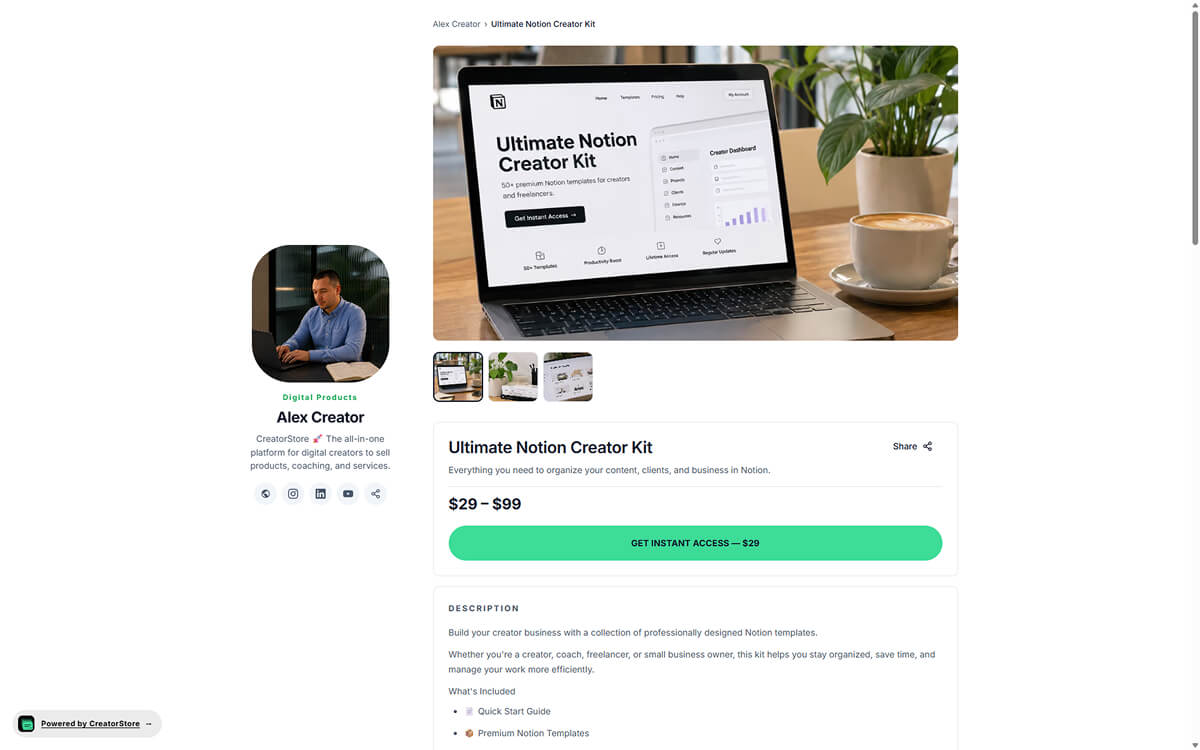
Give each digital product its own page
Use a dedicated product page to show the title, images, description, price, and what is included. Product-level SEO settings let you define the title, meta description, and social image for the page.
- Title, description, price, and product details on one page
- Explain what the buyer receives before purchase
- Use product images and a gallery where relevant
- Set SEO metadata for individual product pages
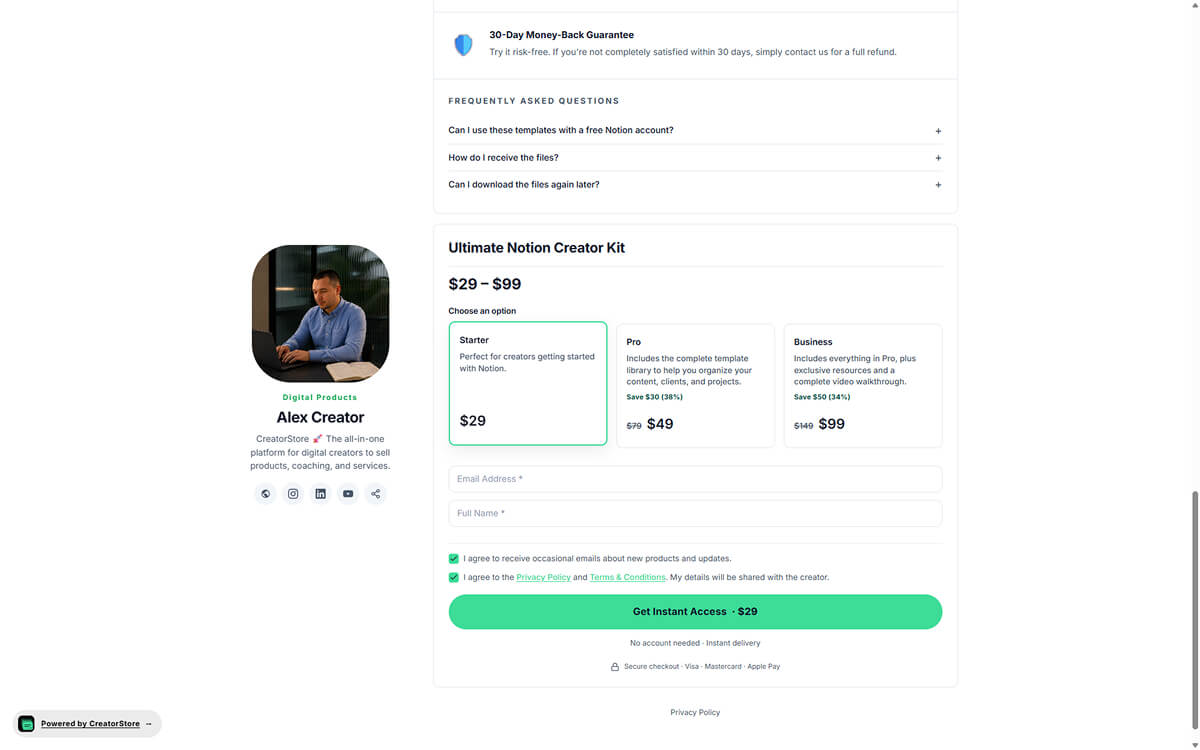
Offer different versions of a digital product
If your product has different versions, you can present the available options and explain what is included in each one. Buyers choose the option that fits before completing payment.
- Show different product options in one offer
- Make the differences between options clear
- Add product details and FAQs where they help explain the offer
- Buyers select an option before completing payment
Open the demo store to see the product experience
Digital product store examples
Explore example stores built on CreatorStore that sell digital products. See how files, pricing, product pages, and delivery are presented.
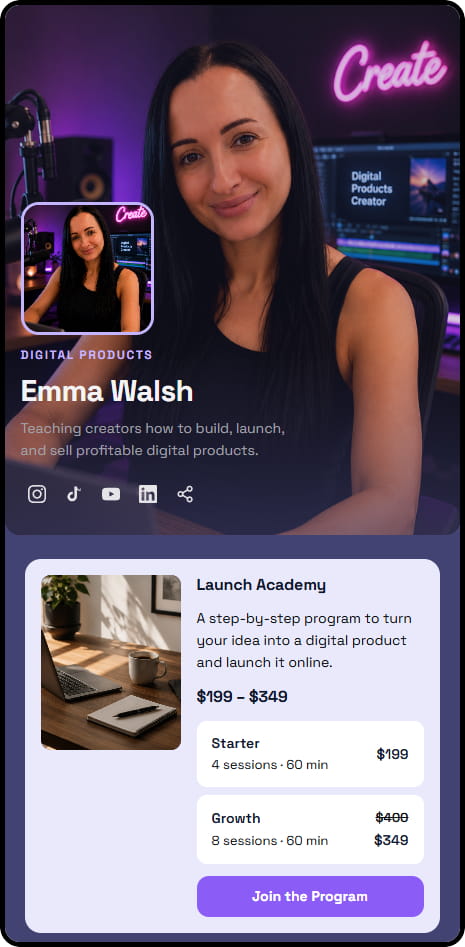
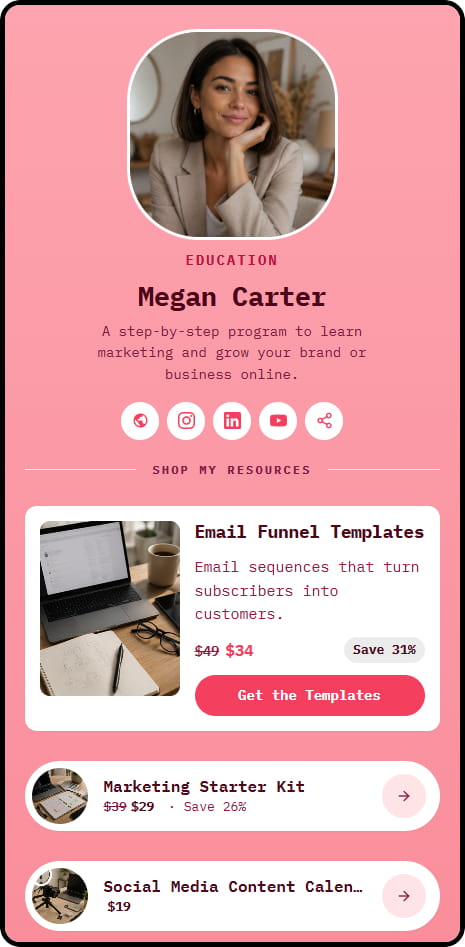
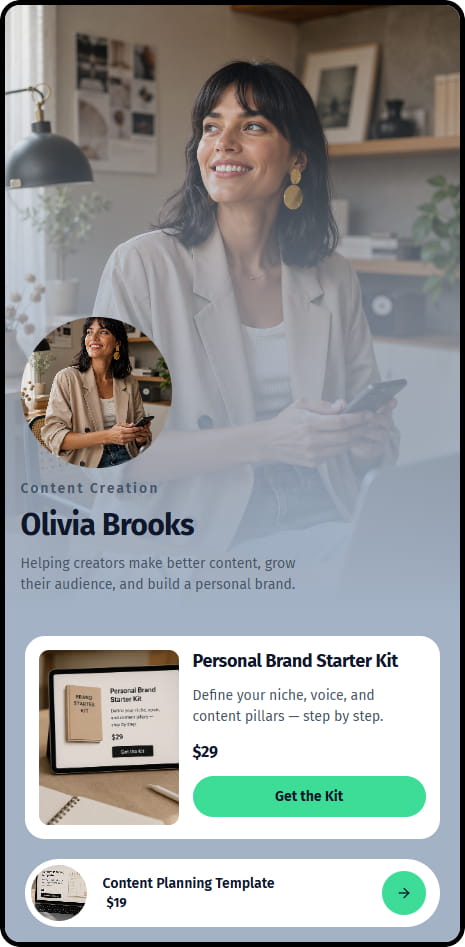
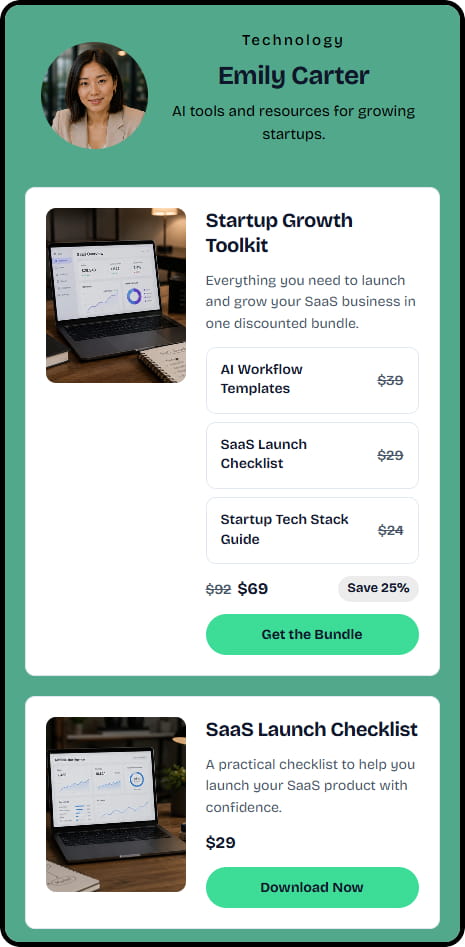

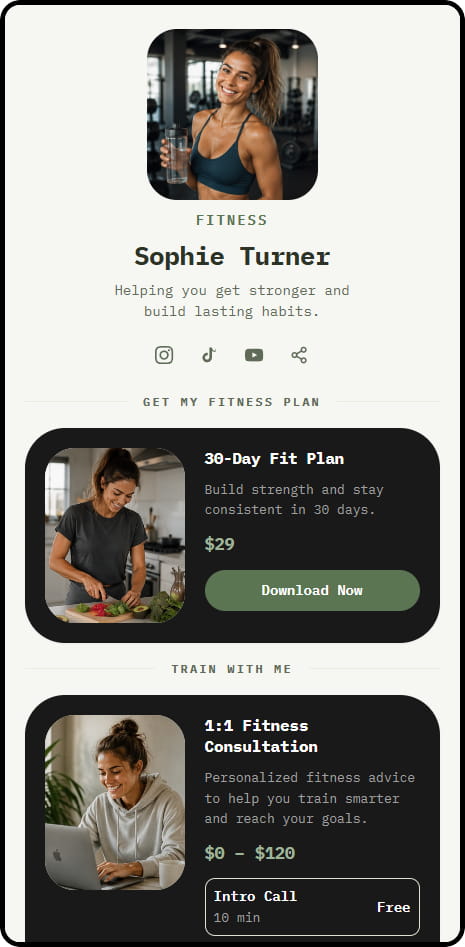
14 live example stores across coaching, consulting, education, and product niches
Sell different types of digital products from one store
Offer downloadable files such as PDFs, audio, video, templates, presets, and ZIP archives. Digital files can be delivered automatically after purchase.
PDFs & ebooks
Sell guides, workbooks, ebooks, checklists, and other downloadable documents.
Video & audio
Offer downloadable video and audio files, podcast archives, tracks, or media packs.
Templates
Sell design templates, spreadsheets, Notion templates, resume templates, and other reusable files.
Presets & filters
Sell Lightroom presets, LUTs, and other downloadable creative assets.
Self-paced courses
Package videos, PDFs, worksheets, or other learning materials as a digital product.
Code, scripts & systems
Sell code archives, scripts, Figma files, prompt libraries, and other downloadable resources.
Upload supported digital files or provide access to the materials included in your product. CreatorStore charges 0% platform commission. How Digital Products work →
«I want to sell digital products. But what exactly?»
Don't start from «what's trending right now?». Start from what people already come to you for.

Questions about your work, a template, an instruction or a process can easily turn into a digital product.
For example: a Notion system, a presentation template, a checklist, a PDF guide, a spreadsheet, or a prompt library.
If it saves you time or helps you get a result — chances are others would pay for it too.
For example: «Notion CRM for freelance designers» is way clearer than «a business template».
The more specific the problem, the easier it is to explain the product's value.
The buyer pays → gets the file automatically → the order shows up in your dashboard.
You don't have to send the file manually after every purchase.
«I know what to sell. But how much do I ask for it?»
Don't set the price by the number of pages or the file size. Set it by the value of the result to the buyer.
Compare the problem it solves, what is included, and what similar products offer. Set a price you can explain clearly to the buyer.
Find similar products in your niche and compare:
— what they sell;
— at what price;
— what's included in the package;
— who they sell it to.
Then set your price at a level you can honestly justify.
Start with a product that actually solves a specific problem, and honestly show what's inside.
The product's value matters more than a loud title next to the author's name.
If several products belong together, combine them into a bundle with its own price. Make it clear what the buyer receives in the bundle.
Selling digital products online — frequently asked questions
Common questions about selling downloadable products through CreatorStore.
What types of digital products can I sell?
How does digital product delivery work?
Does CreatorStore charge commission on digital product sales?
Can I sell several digital products from one store?
Can I sell digital product bundles?
Can I collect emails with a free digital product?
Can I use my own domain?
Can I optimize individual product pages for search?
Can I access my customer data?
Create your digital product store
Add your product, set the price, connect payments, publish the page, and share your store. CreatorStore charges 0% platform commission.
✓ 0% commission · ✓ Instant delivery · ✓ Customer list and orders · ✓ 14 days free