How it works

Open your store fast.
Sign up, drag blocks, sell.

Sign up, drag a few blocks, connect Stripe, share your link. That's the whole thing. No designer, no two-week onboarding call. 0% commission, you keep what you earn.

No card 14 days 0% commission
9:41●●●
Lifestyle & Travel
Maya Chen
Travel · Books · Coffee.
Tokyo Travel Guide
PDF · 47 pages
$19
Free monthly newsletter
Travel tips · Book picks
Latest video on YouTube
8 min · Best cafes in Tokyo
Process at a glance

4 steps. From signup to sale.

From signup to first sale — here's what each step takes.

01
Sign up
Quick
02
Build your store
Drag & drop
03
Connect Stripe
One click
04
Share & sell
Instant
Step 01 · Quick

Sign up in moments.

Email + password. That's it. No business verification loops, no "we'll get back to you," no card. You're in the dashboard before your coffee is poured.

Create your store
••••••••••
Create my store →
No card

Email + password

Pick your subdomain (yourname.creatorstore.co) at signup. Connect your own domain later from settings — DNS guide auto-included.

Set up your storefront
Display name
Maya Chen
Store page link
creatorstore.co/alexander
Social links

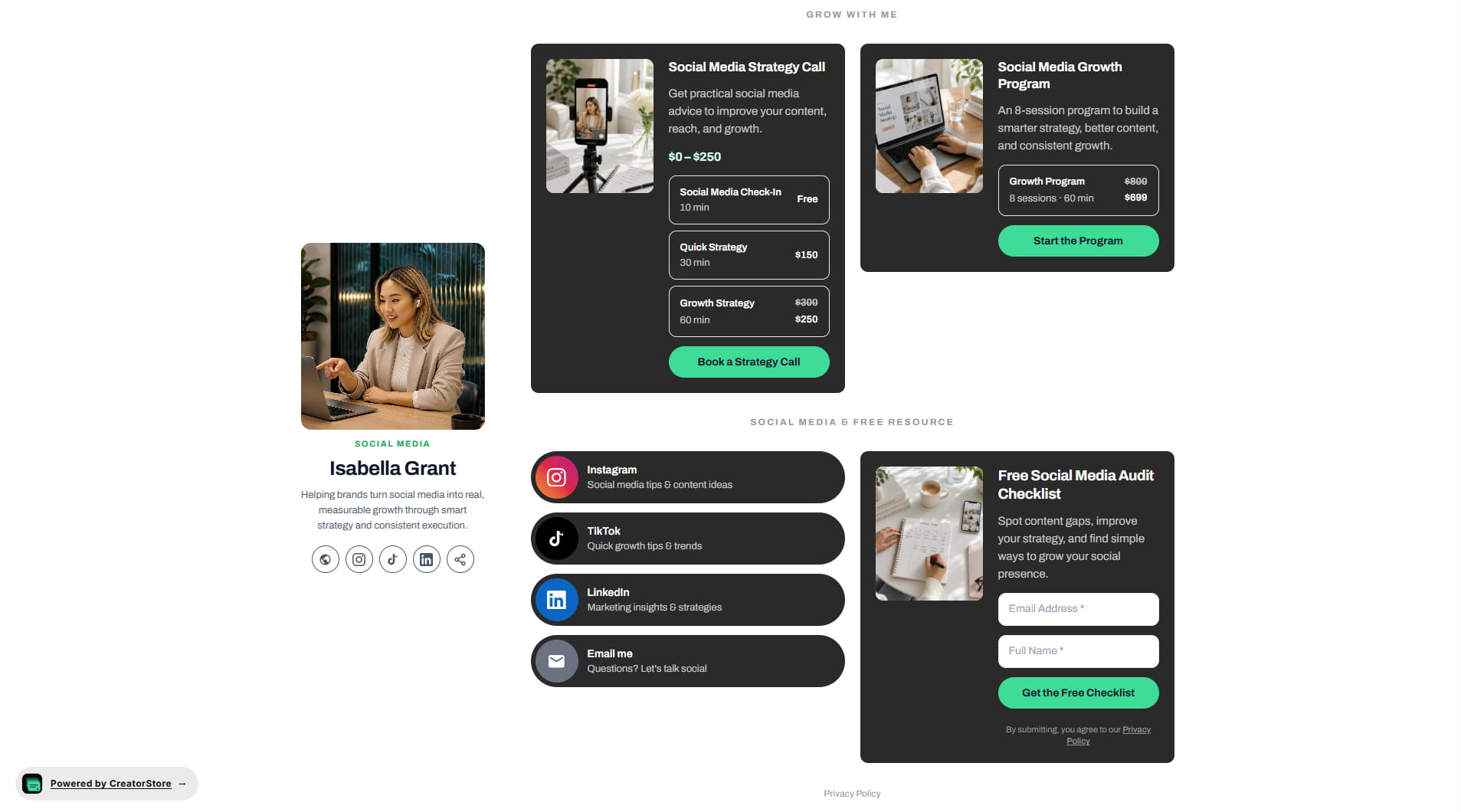
Storefront setup with live preview

Photo, display name, URL, bio, category, social links — all in one screen. Your storefront preview updates as you type. See exactly what buyers see before you publish.

Step 02 · Drag & drop

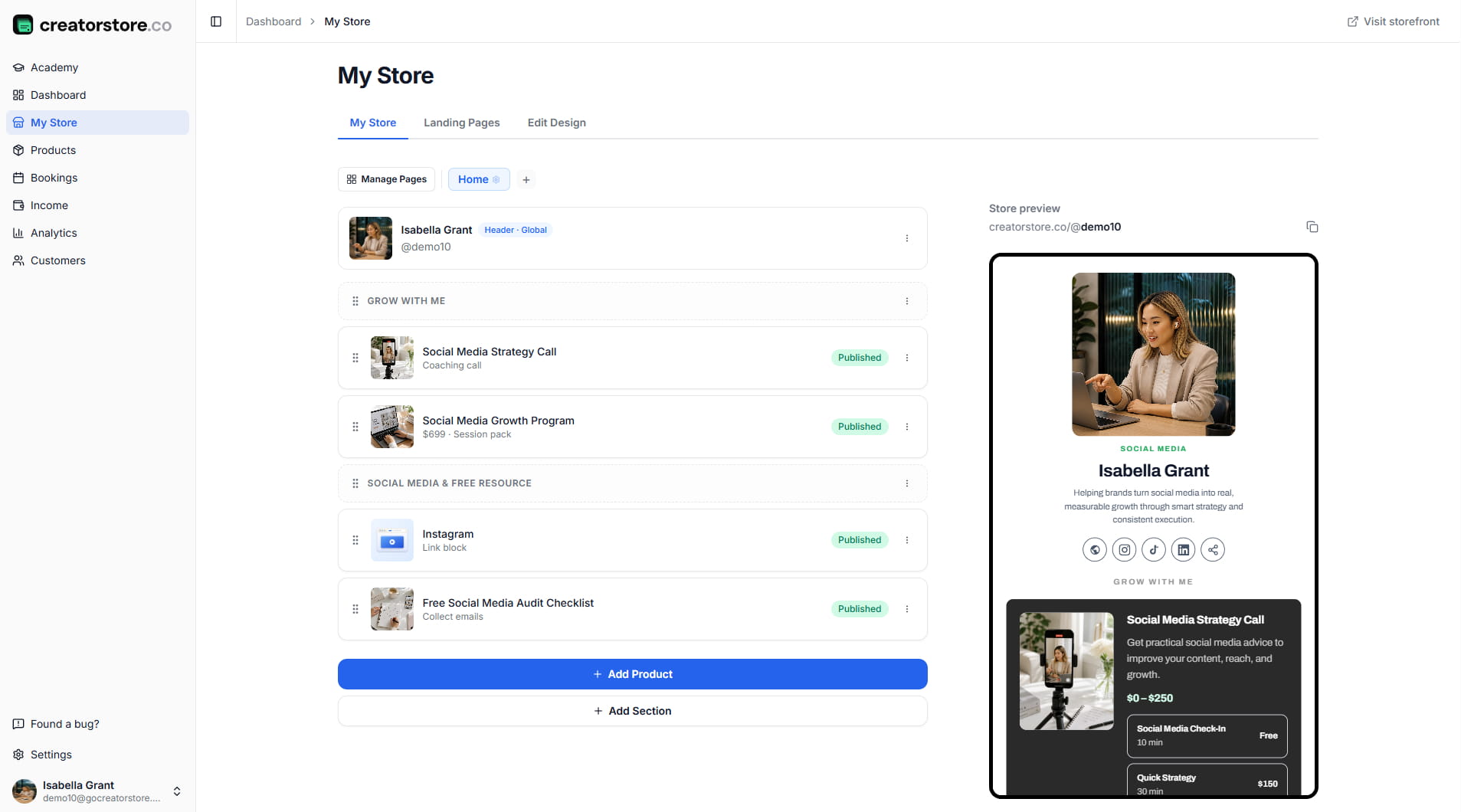
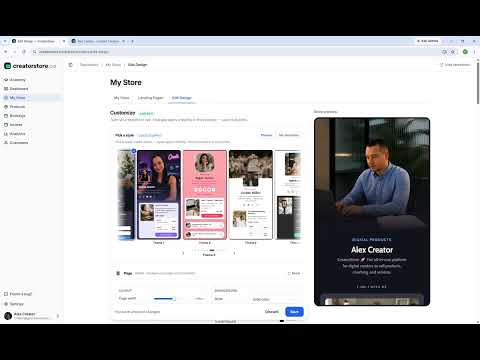
Drag your blocks. Build your store.

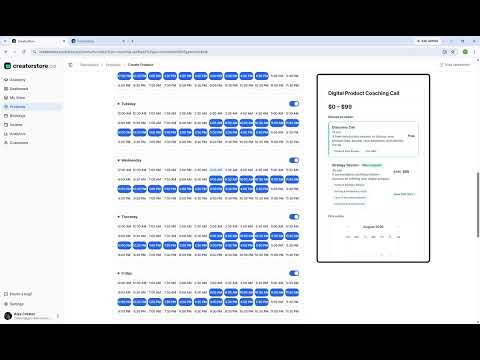
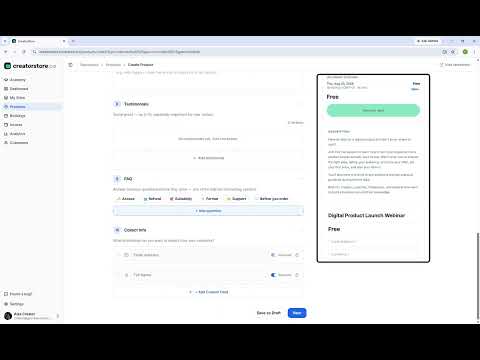
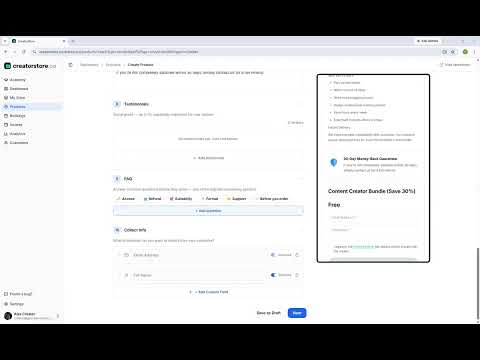
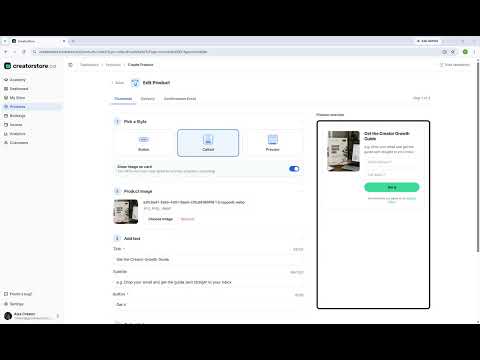
Pick from a full library of product types — digital files, 1:1 calls, webinars, email capture, video, photo gallery, links. Drag, drop, reorder. No coding, no designer.

Choose product type
📦 Digital
📞 1:1 call
📧 Email
🎬 Video
📸 Gallery
🎓 Webinar
+ 6 more

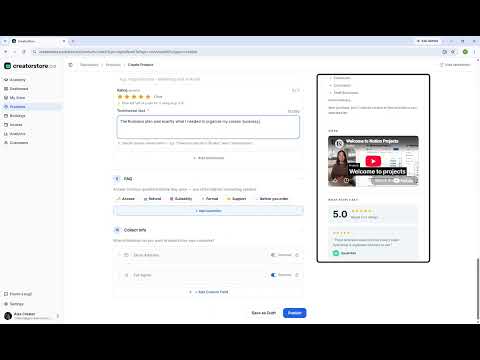
Product blocks for every need

Digital product, Custom product, Collect emails, Video, Photo gallery, Link/embed, Webinar, Testimonials, Text, 1:1 call, Session pack, Service booking — and more.

Your store blocks
⋮⋮ Tokyo Travel Guide · $19
⋮⋮ Free monthly newsletter
⋮⋮ 1:1 coffee chat · $50

Drag-and-drop builder

Reorder anything instantly. Add a block, fill the fields, save. Mobile-first preview shows exactly what your visitors see.

Step 03 · One click

Connect Stripe. Compliance auto-handled.

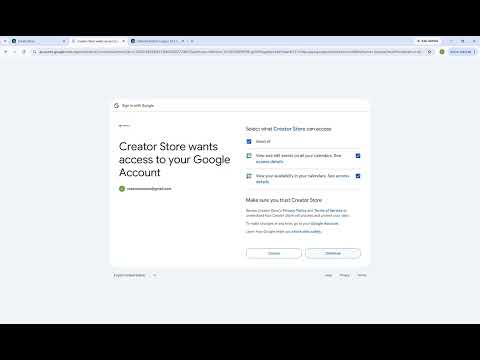
One click to Stripe — payments flow directly to your bank. Terms & Conditions auto-generate from your business info. GDPR consent toggles on with one click. No lawyers, no setup.

💡 Connect a payment method
Stripe connected · Visa, Apple Pay, Google Pay
✓ Direct to your bank · 0% fee
✓ VAT & Sales Tax · automatic

Stripe in one click

Visa, Mastercard, Amex, Apple Pay, Google Pay — all bundled. Stripe handles VAT & Sales Tax automatically across regions. PayPal optional.

Compliance
Terms & Conditions
GDPR consent
✓ EU/UK ready · auto-generated

Terms & Conditions + GDPR · one toggle each

Terms & Conditions document auto-fills from 4 fields (business name, email, refund window, country). GDPR marketing consent — one switch. Compliance done.

Step 04 · Instant

Share your link. Watch the sales.

Drop your link in Instagram, TikTok, YouTube, email. Or connect your own domain — SSL is automatic, DNS guide auto-included. First sale notification hits your inbox.

Share your link
mayachen.co
Instagram
TikTok
YouTube

One link. Every platform.

Use the free subdomain (yourname.creatorstore.co) or connect a custom domain in minutes. SSL automatic, no platform footer dragging your store down.

💰
New sale
just now
Tokyo Travel Guide · $19
Paid to your Stripe account

First sale notification

Email + dashboard ping when a sale lands. Money in your Stripe account, file auto-delivered to the buyer, receipt sent — you do nothing.

Behind one sale

Behind one sale.

A visitor lands, clicks, pays — and multiple things happen automatically. You don't touch any of them. Money lands in your bank, file lands in their inbox.

1

Visitor clicks

Product page opens — mobile-first, fast load.

2

Stripe checkout

Card, Apple Pay, Google Pay. Terms & Conditions checkbox shown.

3

VAT applied

Stripe calculates tax for the buyer's region.

4

Instant delivery

File link emailed within seconds. Receipt sent.

Behind one free signup

Behind one free signup.

A visitor lands, drops their email, gets your free guide — and your list grows by one. They get value, you get a subscriber. Zero manual work in between.

1

Visitor clicks

Lead-magnet block opens — "Get the free PDF".

2

Email entered

One field. No card, no friction.

3

Consent given

GDPR marketing checkbox — EU/UK compliant.

4

Instant delivery

File link emailed in seconds. Or auto-redirect.

5

List grows

Subscriber added · pixels fire · source tagged.

Automatic

What runs without you.

You set it up once. CreatorStore takes care of the boring parts forever — so you can focus on making things.

VAT & Sales Tax

Stripe calculates and applies tax for every buyer's region. You never touch a tax form.

File delivery

Buyer gets a download link within seconds of payment. Re-download links on request.

Receipts & invoices

Stripe sends compliant receipts to buyers. Auto-invoiced for business clients on request.

Terms & Conditions

Auto-generated from your business info. Updated when laws change. Checkout-ready.

GDPR consent

Marketing-consent checkbox at checkout. Only opt-ins get marketing emails. EU/UK safe.

One platform

Stop juggling subscriptions. Start running one store.

Every minute you spend wiring Zapier between Calendly and Stripe is a minute you're not creating. CreatorStore is built so you never need that workflow again.

Claim your store → No card · 14 days
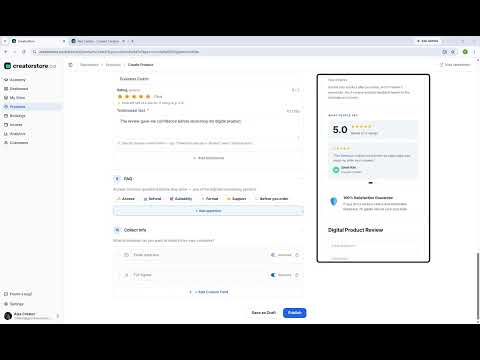
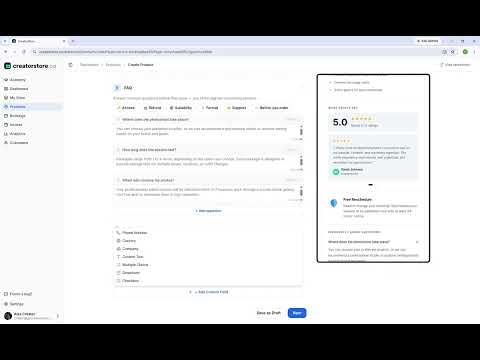
FAQ

Real answers.

Anything else? Reach out — we reply within 24 hours.

How fast can I actually launch?
Signup is quick — email and password. Adding your first product block is a few clicks. Connecting Stripe is one click. Sharing your link is instant. You'll have a working store in minutes, an hour or two if you want polish and multiple products.
Do I need to know how to code?
No. Drag-and-drop builder, prebuilt themes — most creators never need code.
What about taxes (VAT, Sales Tax)?
Stripe handles this automatically. When a buyer checks out, Stripe calculates the right VAT (EU/UK) or Sales Tax (US states) for their region and adds it to the charge. You get the post-tax payout. No tax forms, no formulas.
Do I need a business or LLC to start?
No. Most creators start as sole traders / individuals. Stripe accepts personal accounts in most countries. You can add your business name later when you register one.
Can I import from Linktree or Gumroad?
Yes for Linktree-style link lists (paste the URL, we pull your blocks). For Gumroad: download your product files and upload them as Digital Product blocks — usually faster than an import would be.
What if I cancel? Do I lose my data?
No. You get a full export of products, customers, and emails on cancellation. Your subdomain stays for 30 days post-cancel so you can redirect traffic.
How much does it cost?
Two plans, both with 0% commission and a 14-day free trial — no card needed to start. Current pricing on /pricing.
Start now

From idea
to first sale.

Sign up, build, share — that's the whole loop. 0% commission, you keep what you earn. 14 days free, no card.

✓ 0% commission · ✓ Quick setup · ✓ Cancel anytime