
Sell services online from your own store.
Design, editing, audits, ghostwriting, custom projects — sold from your own store with payment upfront and a real sales page per offer. Set your offer, price, and terms, then let clients order directly. For deposits or installment payments on larger projects, use Service Booking.
Sell custom services from one store
Design, writing, editing, audits, consulting, technical work — each service can have its own offer page, price, and checkout.
Design services
Logo, brand identity, website design, illustration, packaging. Describe the work, process, expected turnaround, and what the client receives.
Writing & editing
Ghostwriting, copywriting, editing, developmental editing, technical writing. Sold per project or as a monthly retainer.
Audits & reviews
Brand audit, SEO audit, site review, copy review — clear deliverable, clear price, clear timeline. Sold as Custom Product.
See custom products →Video & audio production
Podcast editing, video editing, music mixing, mastering. Scoped by episode, per project, or as ongoing retainer.
Technical services
Web dev, no-code builds, integration work, technical setup. Sold per project — for larger builds with split payment, use Service Booking.
Custom projects
Bespoke engagements that don't fit a template — write your own scope, set your own price, deliver on your terms.
See custom products →How your service looks to a buyer
Once your service is live, buyers see it in three places — as a card on your store, as a dedicated sales page (Google indexes), and in the tier-picker + brief checkout flow. Real example: creatorstore.co/@alex-creator.
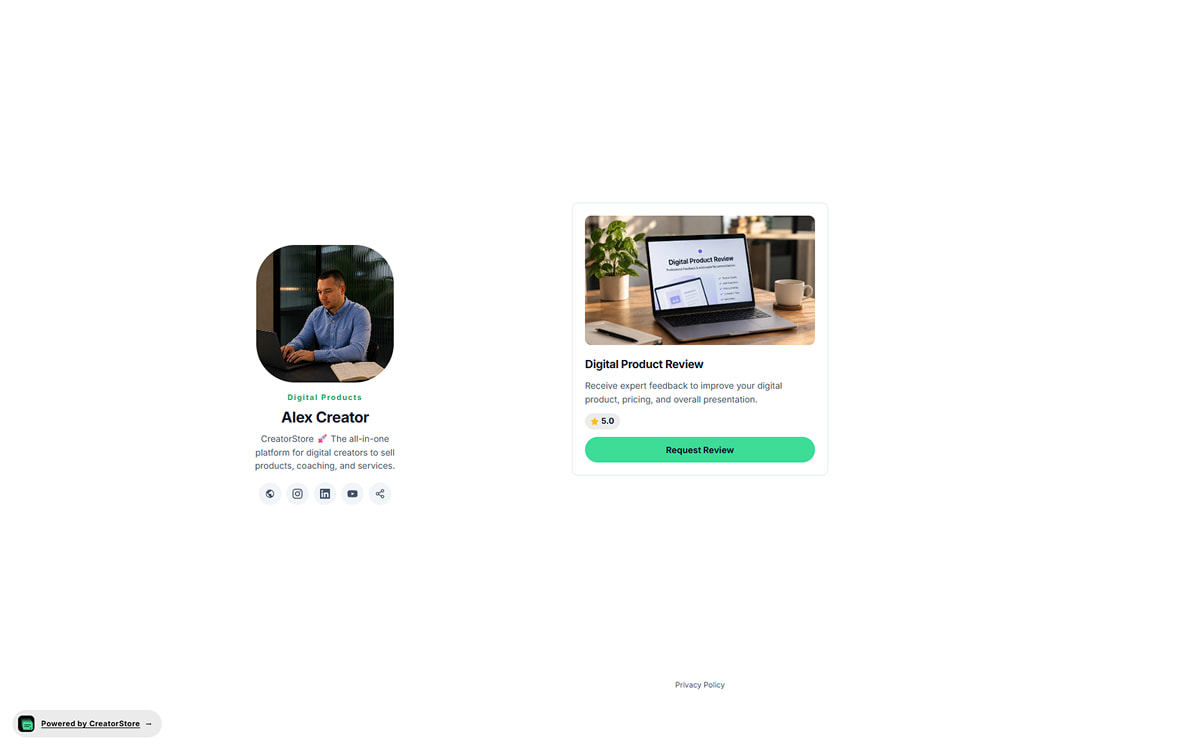
Your service as a clean card
Your service sits on your CreatorStore page as a clean card — cover image, title ("Ad account audit", "Campaign review", "1:1 training"), subtitle with the delivery promise, price, and an "Order" button. Buyers see the whole offer at a glance. One tap and they're either ordering through a popup or opening the full sales page.
- Three card styles to pick from (Preview, Callout, Button)
- Delivery time visible on the card ("Review in 3 days")
- Sits inside your storefront layout — no external redirect
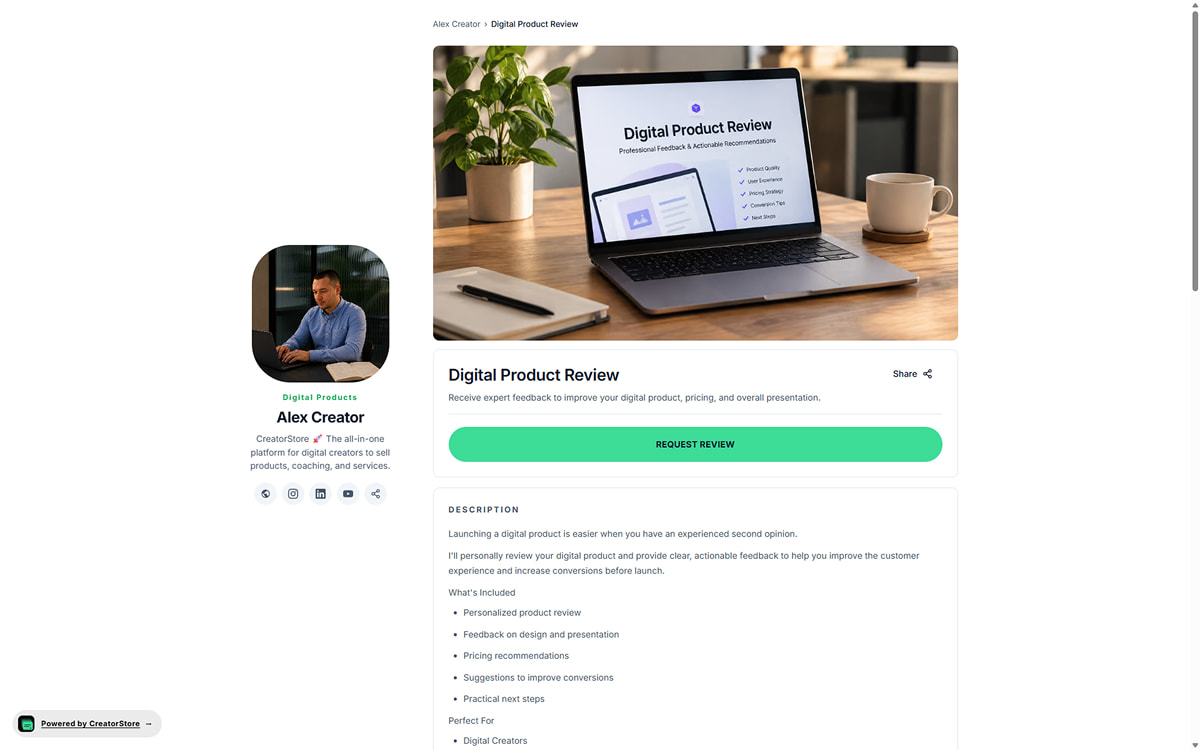
A dedicated sales page Google indexes
Every service gets its own page on its own URL. Google crawls it and can send organic traffic straight to your order form. This page holds everything a buyer needs to decide — cover image, gallery of past work, description of what you do, testimonials, guarantee, and FAQ.
- Its own URL, own meta title and description
- Indexed by Google automatically
- Full sales page: examples, testimonials, guarantee, FAQ
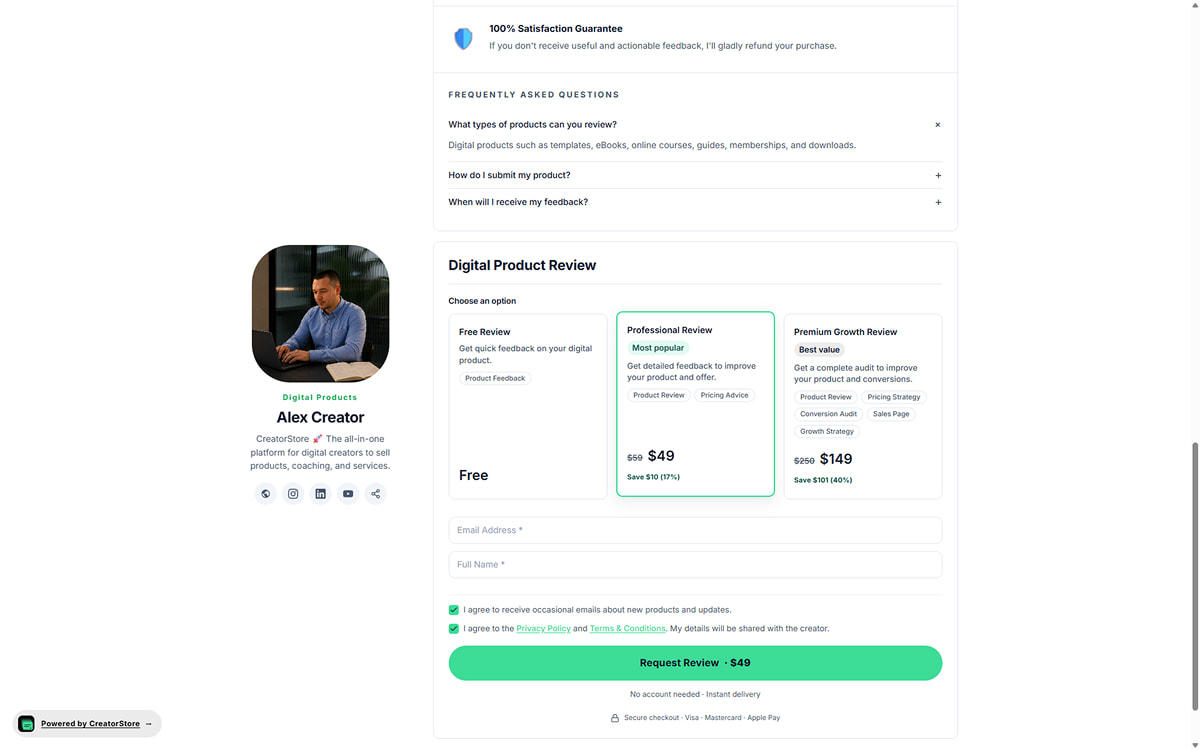
Pick a tier, fill the brief, submit — one screen
Buyer clicks "Order" — the tiers you've set open up (basic / standard / premium, or whatever you name them), each with badges like "Most popular" or "Best value" if you set them. Buyer picks a tier, fills the brief fields (email, name, links, goals, files), agrees, pays via Stripe or PayPal — and the order lands in your dashboard.
- Multiple tiers with badges and scope tags side by side
- Auto-calculated savings on higher tiers
- Brief fields inline with tier picker — all on one screen
- Order + tier + brief responses land in your dashboard instantly
Example store — click around to see how services actually work
Example service stores
Explore example stores built on CreatorStore. See how sessions, custom work, and booking are presented.
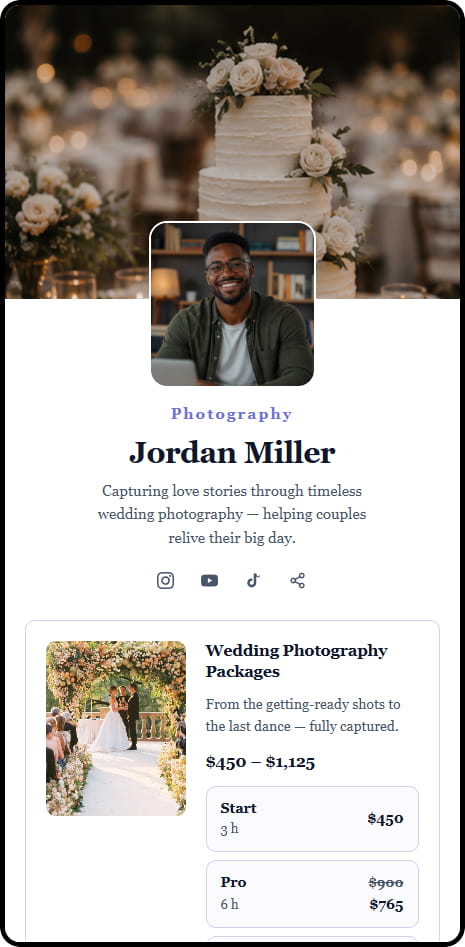


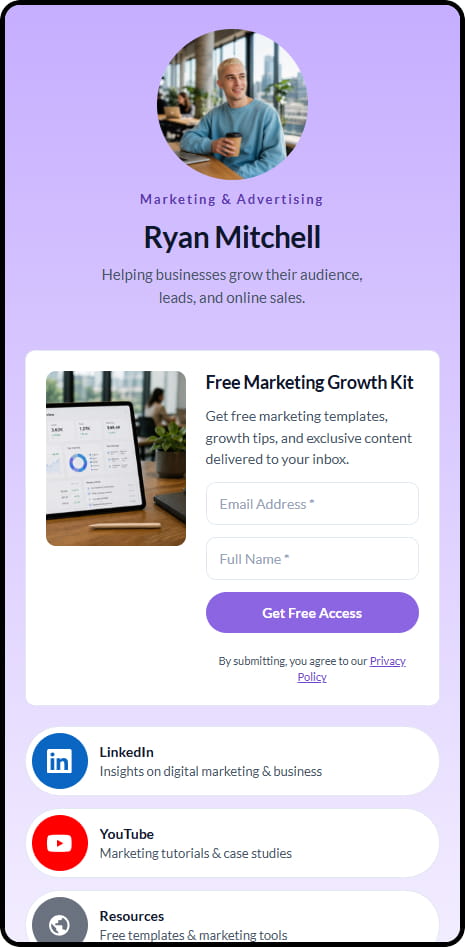
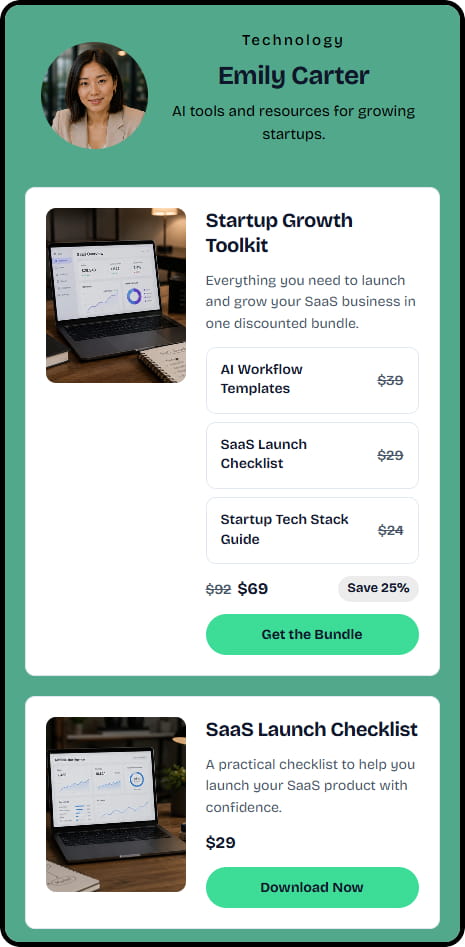

14 live example stores across coaching, consulting, education, and product niches
«What can I actually sell as a service?»
Not just for designers and developers — a service can be shaped from any expertise. Short chat on how to turn what you already do into a specific offer.

Sell on your terms and keep your client relationships
Use your own store to present services, take orders, and keep client information without relying on a freelance marketplace for checkout.
Your client roster
Every buyer is a name, project history, and lifetime value in your dashboard. Referrals, retainers, testimonials — all yours to nurture.
Split payment for larger
For larger projects, use Service Booking — deposit upfront + installment payments when they fit the project.
Your freelance domain
yourname.com or yourstudio.com — a real URL for pitching, business cards, LinkedIn portfolio. Not a marketplace username.
Productized pricing
Sell outcomes, not hours. Define the result, what is included, and the price before the client orders. This makes the offer easier to understand and buy.
Full service stack visible
Show several service options in the same store so clients can choose the type of work that fits their needs.
Portable freelance business
Keep customer information and order data in your dashboard, and export customer data when you need it.
Selling services online — frequently asked questions
Common questions about selling services directly through your own store.
How do I productize a service?
Can I take a deposit on a large project?
Can I sell a monthly retainer?
Do I keep every client's contact info?
Does CreatorStore handle B2B invoices?
Can I still list on a freelance marketplace?
Can I use my own domain?
What if a client asks for a refund mid-project?
Sell services direct. Custom work, your terms.
Productize your services, take payment upfront, own every client relationship. Sell directly from your own store and keep the client relationship.
✓ 0% commission · ✓ Deposits & installments · ✓ Own client list · ✓ 14 days free